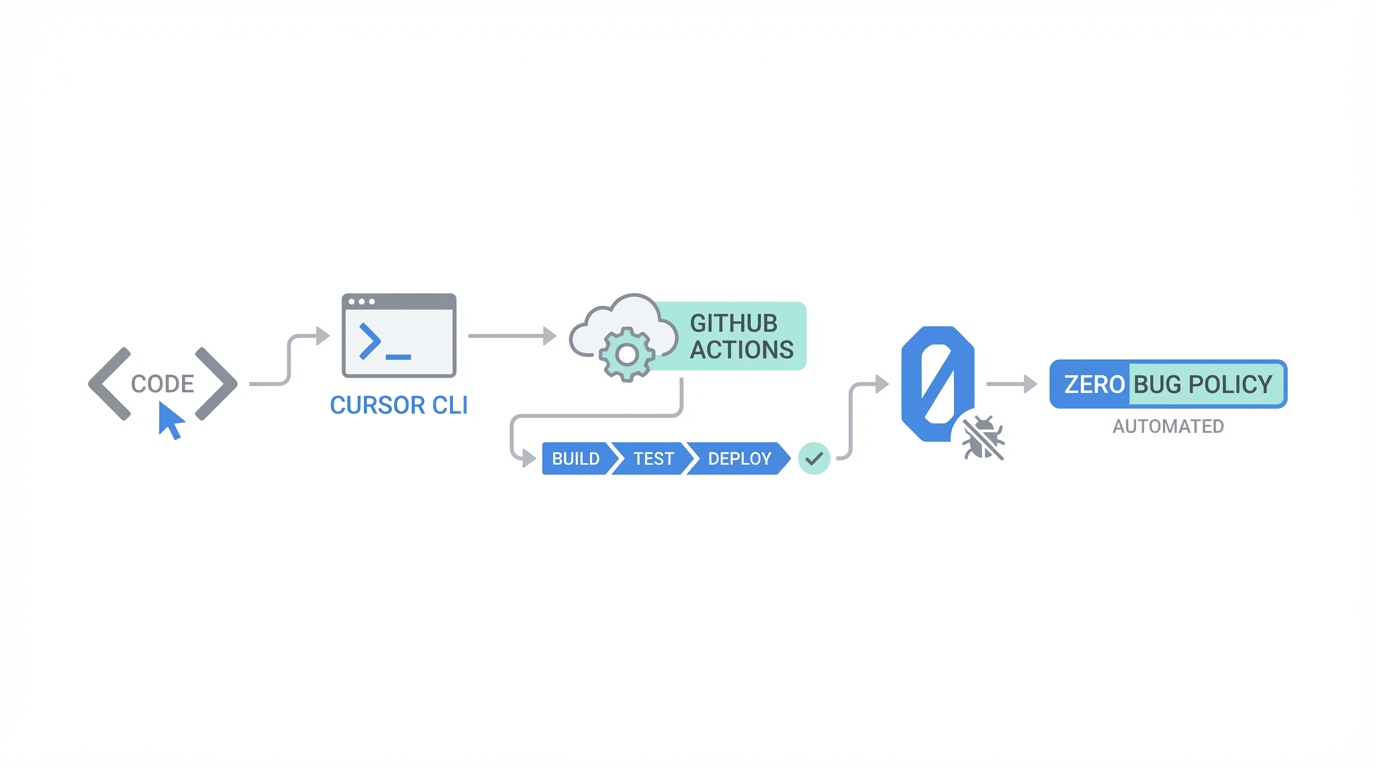
The era of "vibe coding"—where developers move fast and break things in a local environment—is evolving into a new standard of autonomous engineering. While many have used Cursor as a highly efficient IDE for manual coding, the real "alpha" lies in moving these AI agents out of the editor and into your automation pipeline. By leveraging the Cursor AI CLI and GitHub Actions, engineering leads can now implement a 'Zero Bug Policy' that runs while they sleep, automatically triaging, investigating, and even fixing bugs before a human ever sees a ticket. This guide explores how high-performance teams at companies like Linear are utilizing GitHub Actions AI agents to transform their development lifecycle from reactive to proactive.
The Shift to Headless AI Agents: Beyond the Editor
Most developers treat Cursor as a better version of VS Code, but the platform's true power is its agentic capabilities. An AI agent is not just a chat interface; it is a tool-equipped entity that can read files, run terminal commands, and perform automated software testing. To reach production-ready code at scale, you must transition from local chats to headless execution. Using the Cursor AI CLI, you can fire off agents in a secure virtual sandbox to audit your repository for security vulnerabilities or performance bottlenecks without ever opening the GUI.
As Lee from the Cursor team points out, the key to success with AI agents is managing context windows. When you use the editor, your "working memory" often clogs up with irrelevant history, which can lead to a quality drop-off as the model reaches 80-90% context capacity. By running agents headlessly through the CLI, you can define discrete, isolated tasks with only the necessary files tagged for context. This ensures the AI bug fixing process remains sharp and the model doesn't get "confused" by long-context junk.
Integrating Cursor into GitHub Actions for CI/CD Automation
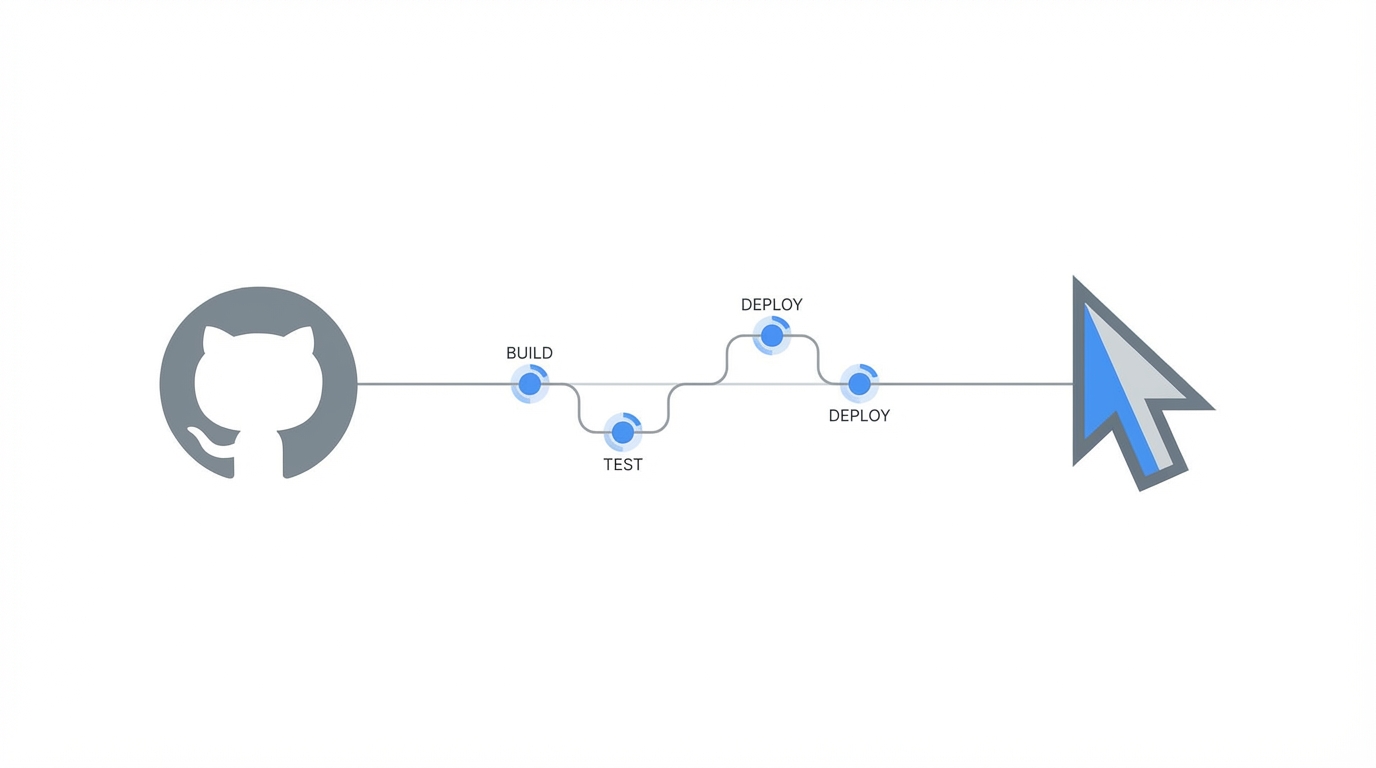
The most impactful way to use Cursor agents is by integrating them directly into your CI CD automation AI pipeline. Imagine a scenario where a developer pushes a pull request, the CI suite runs, and a test fails. Instead of the build simply turning red and waiting for a human to investigate, a GitHub Actions AI agent can be triggered to analyze the logs, identify the failure, and push a suggested fix commit back to the branch.
Step 1: Setting up the Cursor CLI in CI
To run Cursor in automation, you need to dump the CLI into your CI script. This allows the agent to act as a headless auditor. You can configure it to run on every merge or on a schedule to perform deep repository scans. This is particularly useful for automated software testing using tools like Playwright, where the AI can generate end-to-end tests for new features as they are merged.
Step 2: Automating PR Fixes
By using the CLI, you can provide broad prompts like "investigate why the integration tests failed and fix the underlying issue." The agent will then use its "skills"—the ability to read the codebase, run terminal commands, and check linter outputs—to resolve the error. If you use TypeScript, the agent can even read its own linter errors and self-correct its output before finalizing the PR. This creates a self-healing codebase that reduces the burden on senior engineers during code reviews.
The 'Zero Bug Policy' Framework: How Linear Scales Quality

One of the most compelling examples of AI-driven efficiency comes from Linear, which maintains an incredible 'Zero Bug Policy'. In their workflow, bug reports aren't just entries in a database; they are triggers for automation. When a bug is reported, an AI categorizes it, and an engineer can simply tell Cursor to investigate and fix it. This often results in a PR being opened and a fix being merged within minutes of the initial report.
This framework relies on the idea that the marginal cost of writing software is trending toward zero. When fixing a bug is as easy as a single command, you no longer have to "triage" low-priority issues for a later date—you just fix them immediately. This approach has massive marketing and positioning value. For a customer, seeing a bug fixed within the hour is a "wow" moment that differentiates a product from its competitors. Using AI bug fixing at this speed allows teams to maintain a high bar for quality while moving at the speed of a startup.
Bug Bot: Automating i18n and Security Checks
Beyond standard bug fixes, the Cursor team has developed tools like Bug Bot to handle specialized tasks like internationalization (i18n) and security reviews. Bug Bot acts as a built-in code review bot that can catch things humans often overlook. For example, if you add a new feature but forget to update the documentation in other supported languages, Bug Bot will flag the omission and can even generate the translated content for you.
You can also create custom slash commands in your configuration—such as /security-review or /vibe-check—driven by markdown files. These commands can include "gotchas" from your specific codebase, such as checking for proper loading states, handling offline scenarios, or ensuring caching is implemented correctly. This level of internationalization (i18n) and security reviews ensures that every PR meets a high standard of engineering excellence before it ever reaches a human reviewer.
From Slack to PR: Investigating Bugs on the Go
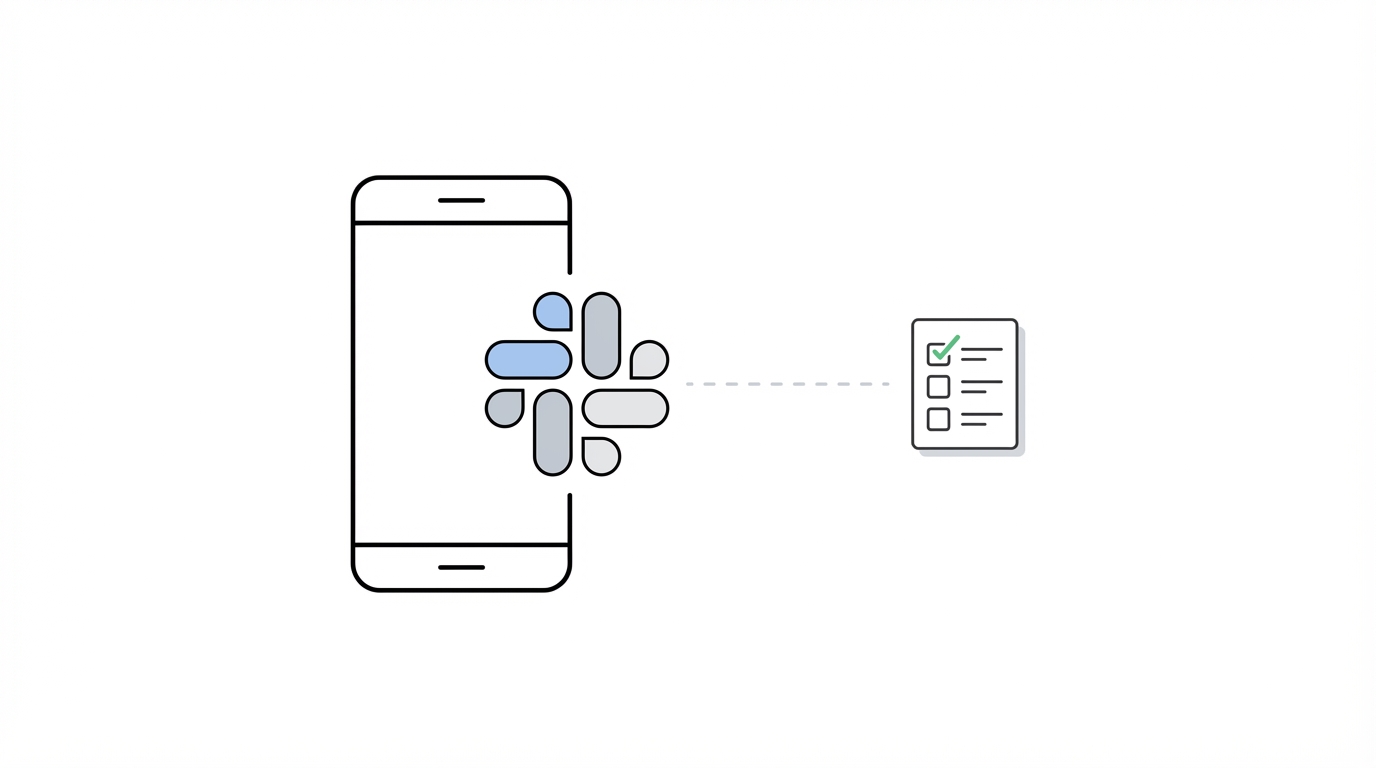
For engineering leads who are often "on the go," the integration of Cursor agents with Slack is a game changer. If a customer reports a bug on a platform like X (formerly Twitter) or via email, you can paste the report into a Slack channel and tag the Cursor AI agent. By providing the repo context and the report, the agent can investigate the bug, find the relevant file, and propose a fix—all while you are away from your laptop.

This workflow enables Distribution Engineering, where the focus shifts from just building the product to ensuring it reaches the right audience through rapid iteration and high customer service. Once your software is polished and bug-free, platforms like Stormy AI streamline creator sourcing and outreach to help you find and manage UGC creators to build distribution for your new "personal software" projects. As the barrier to building high-quality apps falls, the ability to rapidly ship fixes and scale distribution becomes the ultimate competitive advantage.
The Future of Personal Software and Distribution
As personal software becomes more common, developers are building throwaway tools that solve specific, immediate problems. Whether it's a custom visual GUI to monitor a data migration or a head-up display for debugging a complex state issue, the Cursor AI CLI makes it possible to generate these "disposable" tools in seconds. This shift is not just for "vibe coders" or beginners; it is for senior engineers who want to automate the "drudge work" and focus on high-level architecture.
With new models like Gemini Nano from Google pushing the limits of image and code generation, the window to create niche, vertical AI applications is wide open. For developers, the only limit is creativity and shipping speed. By automating your testing and bug fixing with GitHub Actions AI agents, you free up the mental bandwidth required to innovate and compete in this fast-moving landscape.
Conclusion: Building a Self-Healing Development Pipeline
Automating a 'Zero Bug Policy' is no longer a luxury reserved for companies with massive QA departments. By moving Cursor agents into your CI CD automation AI pipeline, you can achieve a level of software quality and shipping velocity that was previously impossible. Start by setting up the Cursor AI CLI in your GitHub Actions, defining your custom .cursorrules, and integrating your communication tools like Slack to trigger investigations automatically.
Whether you are building the next billion-dollar SaaS or a specialized piece of personal software, the goal remains the same: use AI to handle the maintenance so you can focus on the mission. Leverage automated software testing and AI bug fixing to ensure your code is always production-ready, and use modern discovery tools like Stormy AI to ensure your product finds the distribution it deserves. The future of engineering is autonomous—it's time to build it.