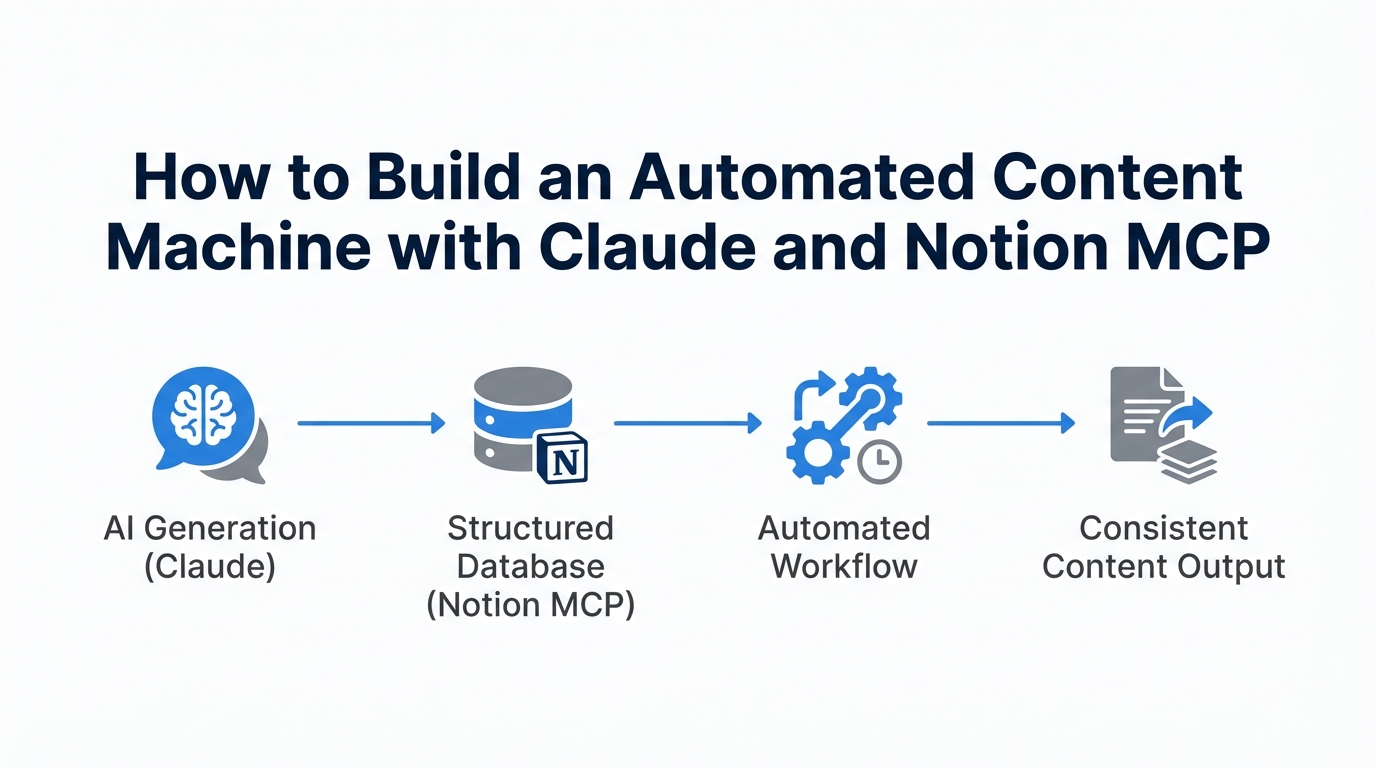
Most marketers treat AI like a glorified search engine or a high-speed copywriter. You give it a prompt, it gives you a response, and then the conversation disappears into the digital ether. But the industry is shifting from simple chat interfaces to agents with tools. By utilizing the Model Context Protocol (MCP), you can transform Claude into an autonomous content architect that doesn't just write—it researches, organizes, and manages your entire marketing brain. This isn't just about saving time; it's about outcompeting the 99% of people who are still stuck in the prompt-and-response loop.
The Era of the Idea Guy: Why MCP Changes Everything
As Sam Altman recently noted, we have entered the "era of the idea guy." The technical barriers to building products and content machines are collapsing. The "sauce" no longer lies in being able to write a basic blog post; it lies in surrounding a smart AI model with the tools it needs to execute. This is where the Model Context Protocol (MCP) comes in. At its core, an AI agent is simply a model using tools in a loop.
"AI agents are models using tools in a loop—they can spend as much time as they want in a step, using tools over and over until they reach the final result."
Think of Perplexity, which built a billion-dollar company by essentially adding one tool: the ability to search the internet before responding. By connecting Claude Sonnet or Opus to your personal workspace, you are giving it a "code base" of your brand voice, viral hooks, and SOPs. You are moving from a generic AI to a Marketing Brain that knows exactly how you think.
Step 1: Setting Up the Notion MCP Server via Docker
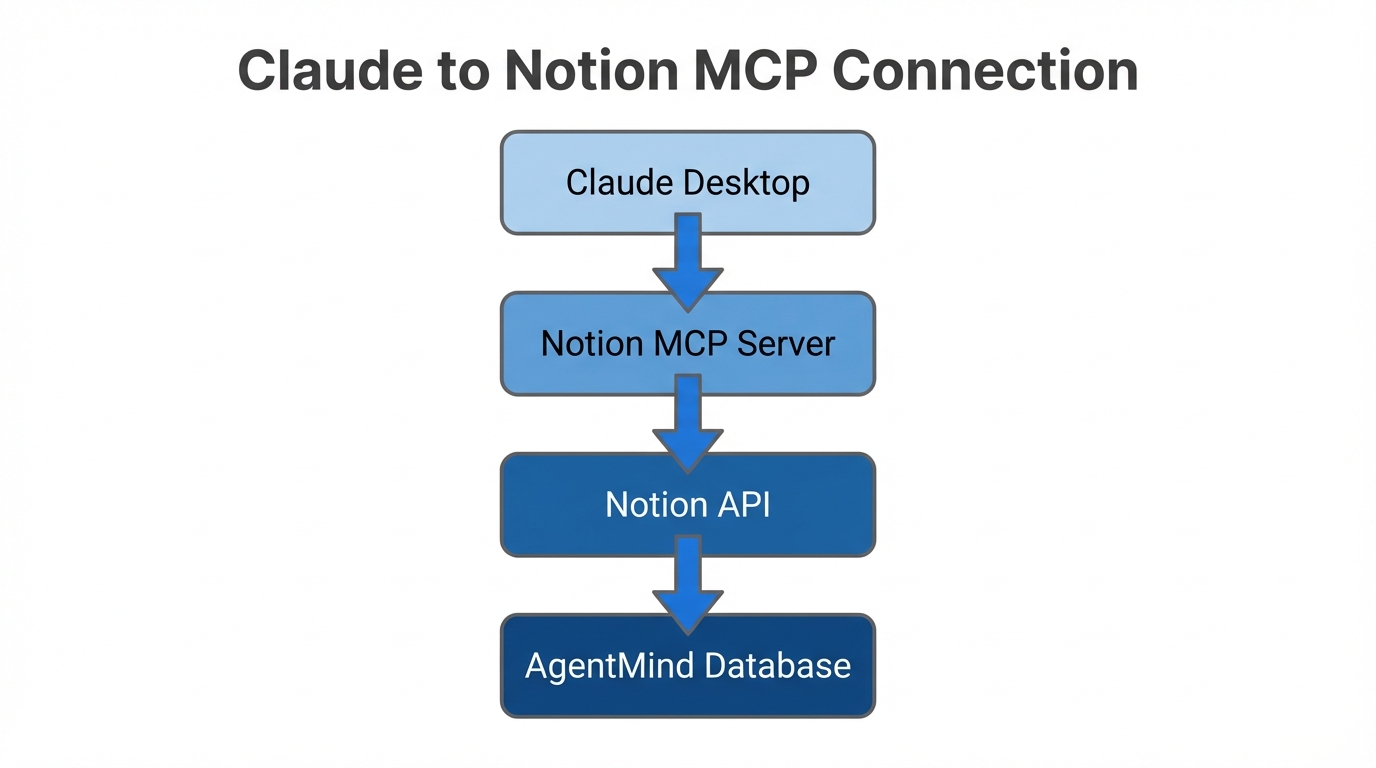
To give Claude access to your Notion database, you need to run an MCP server. While this sounds technical, the Docker MCP toolkit has made this significantly more accessible for non-technical marketers. Docker allows you to host the server locally on your computer, acting as the bridge between Claude's cloud brain and your local data.
- Download Docker: Ensure you have the Desktop version installed and running.
- Access the MCP Toolkit: Within Docker, navigate to the MCP Toolkit and browse the catalog. You will see integrations for over 100 tools, including Slack, Google Drive, and Firecrawl.
- Configure the Notion Tool: You will need an Integration Token. Go to your Notion Settings > Connections > Develop or Manage Integrations. Create a new integration, name it something like "AgentMind," and copy the internal integration secret.
- Grant Access: In Notion, go to the specific pages or team spaces you want the AI to access (e.g., your content calendar) and "Invite" the integration you just created.
- Restart Claude: For the changes to take effect, you must quit the Claude desktop app and restart your Docker server. Once reconnected, you'll see the Notion tools active in your chat interface.
| Feature | Legacy Automation (Zapier) | AI Agent (MCP) |
|---|---|---|
| Logic | Static "If/Then" | Dynamic Decision Making |
| Context | Single data point | Entire Notion Workspace |
| Output | Pre-defined format | Creative/Iterative |
Step 2: Creating an 'AgentMind' Database
An AI is only as good as the examples you give it. Instead of asking Claude to "write a viral hook," you should point it to a database of hooks that have already worked for you. AI educator Riley Brown suggests creating a dedicated Notion workspace titled "AgentMind" specifically formatted for AI navigation.
At the top of your main Notion page, include a section labeled "Instructions for AI Agent." This page should act as the manual for your content machine. Within this space, build a Short-Form Hooks Database. Every time you see a video that stops your scroll, add the transcript of that hook to this database. When Claude has access to this via MCP, it doesn't hallucinate generic marketing speak; it analyzes the successful patterns of your actual saved examples and applies them to your new content.
"The best business ideas come from collecting good examples. AI never gave me good hooks until I created a database for it to learn from."
Step 3: Automating the Transition from Trend to Notion Entry
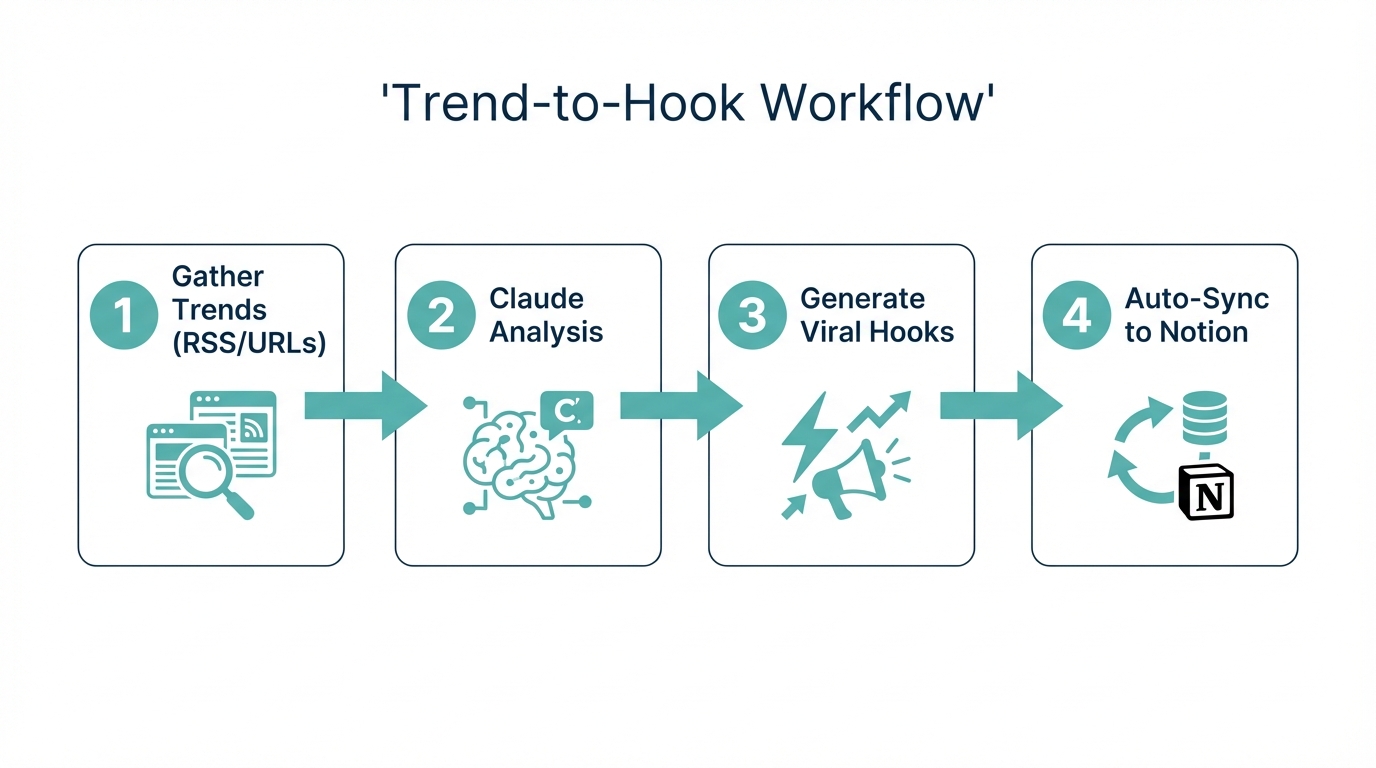
The biggest bottleneck in content creation is the manual labor of researching trends and filing them away. With MCP, Claude can act as a researcher. You can use tools like Firecrawl or the built-in search tool to find breaking news—such as a new release on IdeaBrowser—and immediately summarize it into your Notion AgentMind.
By using a command like "Search the internet for the latest tech news regarding DIA Browser and save a summary to my Trends database," you bypass the copy-paste fatigue. This allows your "Marketing Brain" to grow while you sleep. For marketers managing high-volume campaigns, platforms like Stormy AI streamline creator sourcing and outreach, helping you find influencers who can execute on these trends, providing a seamless bridge between AI discovery and human-led UGC production.
Step 4: Using Claude Projects for CEO-Level Brand Voice
To ensure Claude operates at a "CEO level," use the Claude Projects feature to set permanent instructions. This is where you define the "vibe" of your brand. You can upload a PDF of your brand guidelines or a document titled "How We Speak" to the Claude Projects knowledge base.
In your project instructions, tell Claude: "You are the CEO of my content team. You have access to the Notion MCP. Always check the 'Short-Form Hooks' database before writing scripts. If I use double brackets [[ ]], it means I want you to generate a thumbnail idea and store it in the 'Content' database." This creates a persistent environment where the AI understands your shorthand and your long-term goals.
Workflow: From Tech Trend to Video Scripts Automatically
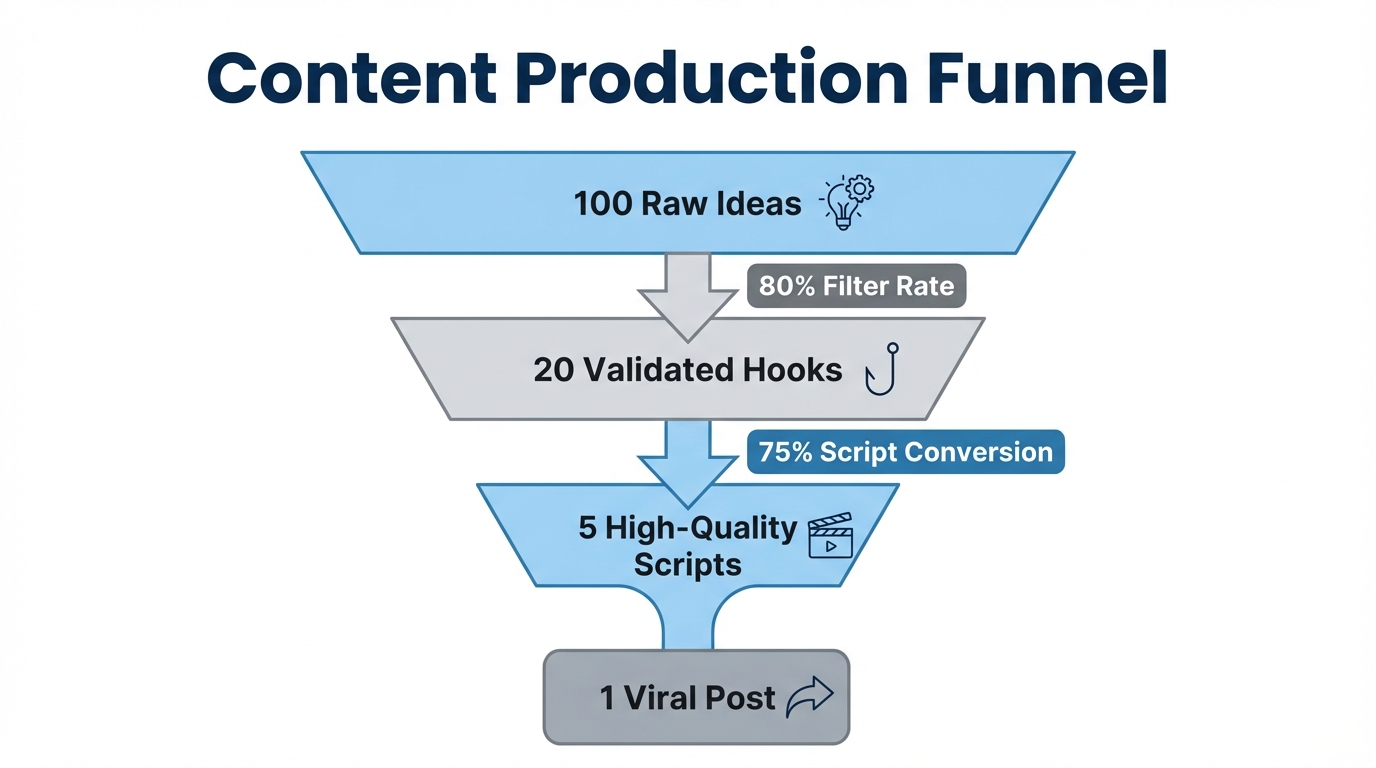
Let's look at how this works in practice. Suppose a new startup trend emerges. Here is the sequential playbook to turn that trend into content without leaving the Claude interface:
- Research: Prompt Claude to "Use the internet tool to find the 5 key features of the new VibeCode app."
- Reference: Instruct Claude to "Read my 'Short-Form Hooks' database in Notion to identify which hook structures match this type of news."
- Generate: Claude writes three distinct short-form video scripts based on the successful hooks it just analyzed.
- Execute: You then tell Claude to "Add these three scripts as new entries in my Notion 'Content Calendar' database and tag them as 'To Be Filmed'."
This entire process takes less than 60 seconds. For brands looking to scale this output even further, using Stormy AI to discover and outreach to creators ensures that these AI-generated scripts are put into the hands of the right influencers immediately via automated AI agents.
Step 5: Scaling with Glyph and AI Employees
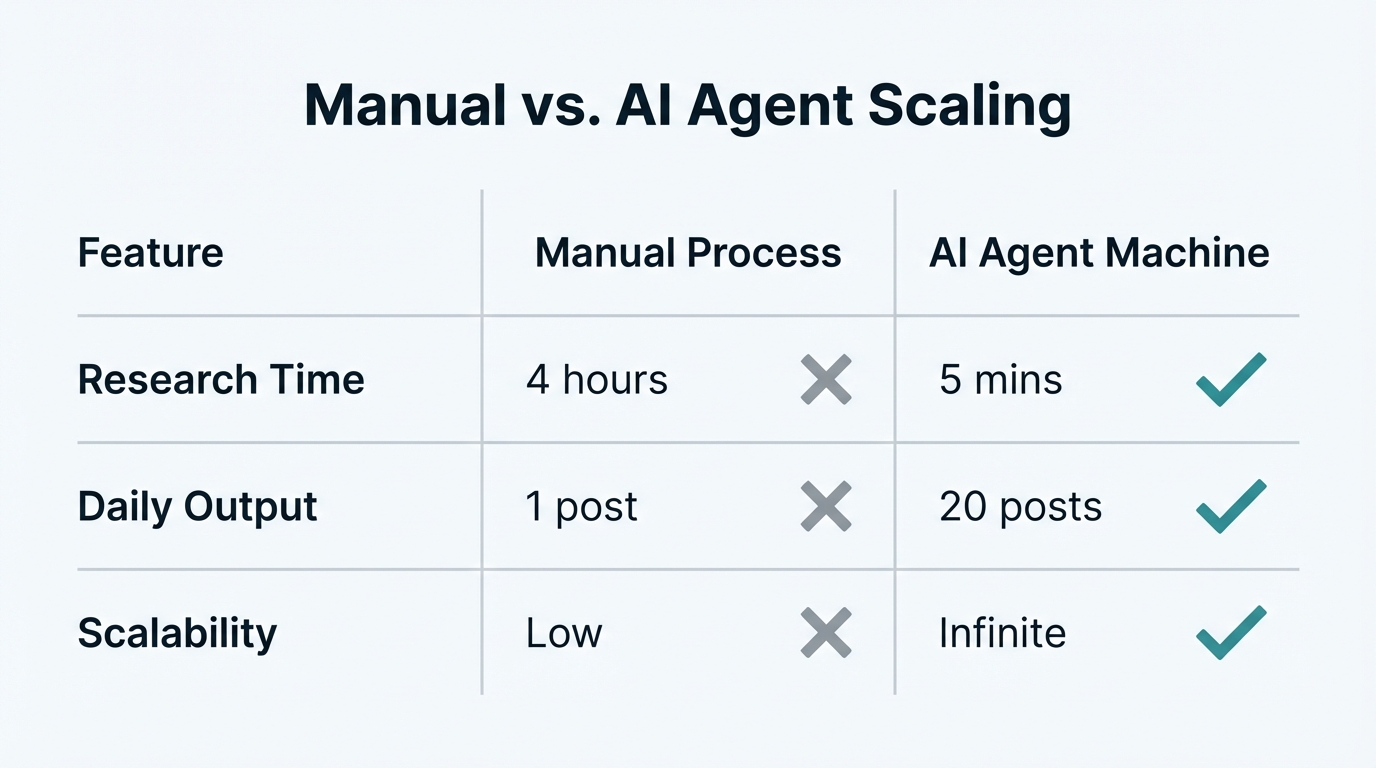
If you want to move beyond text, Glyph.app is a powerful addition to your MCP stack. Glyph allows you to build "AI Employees"—miniature workflows that can handle specific tasks like generating photorealistic thumbnails or resizing images for different platforms. By connecting Glyph to Claude via Docker, you can trigger these workflows with a single chat command.
For example, you can tell Claude: "Run my 'Thumbnail Ideator' glyph for the DIA Browser script." Claude will then process your script, look at a PDF of successful thumbnails (like those from Greg Isenberg or Cleo Abram), and output five visual options for you to choose from. This turns Claude into an orchestrator of multiple AI services.
The Bottom Line: Future-Proofing Your Content Strategy
The current state of MCP might feel a bit "janky"—you might need to restart your server or toggle a few settings—but that is where the opportunity lies. By the time these tools are perfectly polished and built directly into every platform, the competitive advantage will have diminished. The marketers who win are the ones who get their hands dirty now, building their "Marketing Brain" in Notion and learning to manage AI agents.
Stop looking at Claude as a chatbot and start looking at it as the quarterback of your marketing operations. By combining the organizational power of Notion, the reasoning of Claude, and the discovery capabilities of platforms like Stormy AI, you aren't just making content—you're building an automated machine that grows smarter with every post.