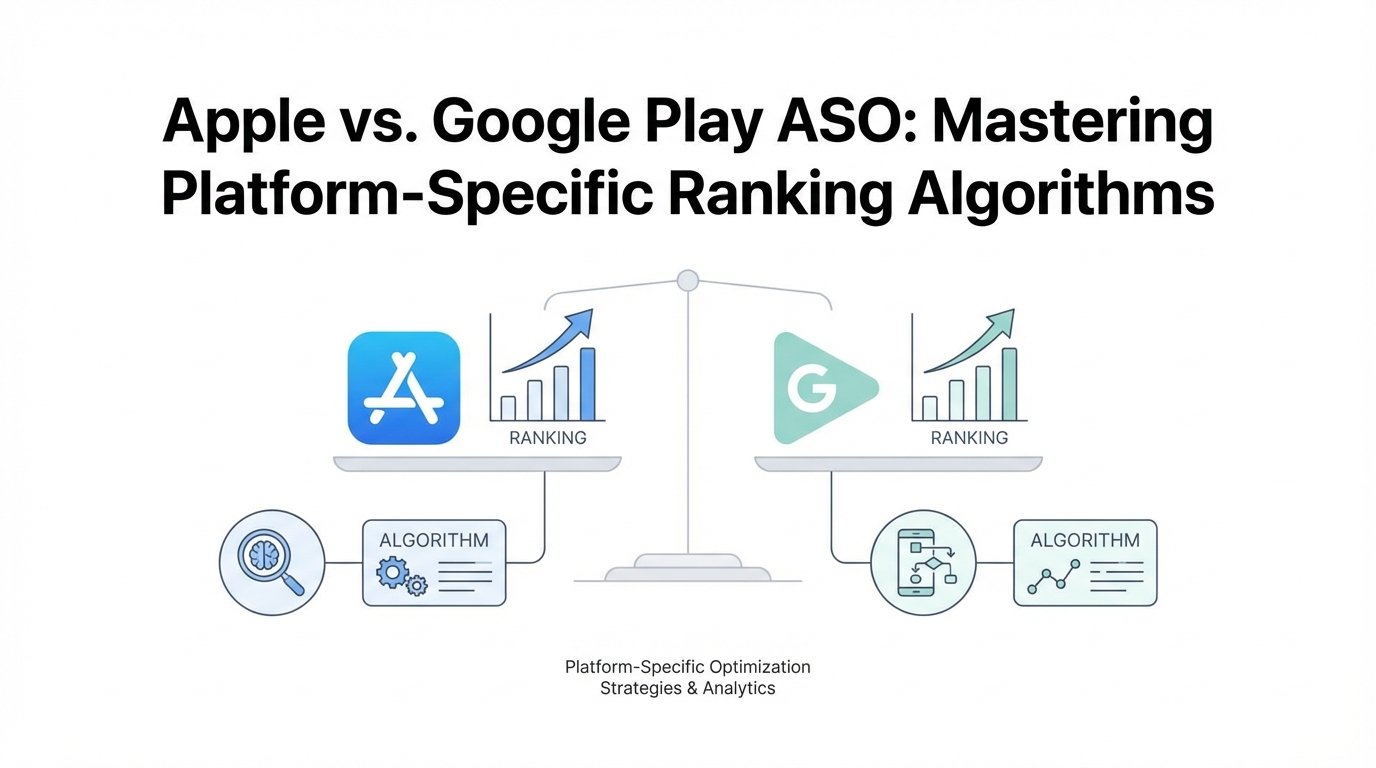
In the hyper-competitive mobile landscape of 2025, simply launching a great app isn't enough. With approximately 65–70% of all app discoveries occurring directly through store searches, according to Statista data, your visibility depends entirely on how well you play by the rules of two very different masters: Apple and Google. While many marketers treat App Store Optimization (ASO) as a uniform checklist, the reality is a complex web of Natural Language Processing (NLP), platform-specific metadata fields, and distinct algorithmic weights. To truly win the 30% of search traffic coming from generic, high-intent terms like "photo editor" or "AI chatbot," developers must move beyond basic keyword stuffing and embrace a semantic, intent-driven approach tailored to each storefront.
The Foundation of iOS Keyword Optimization
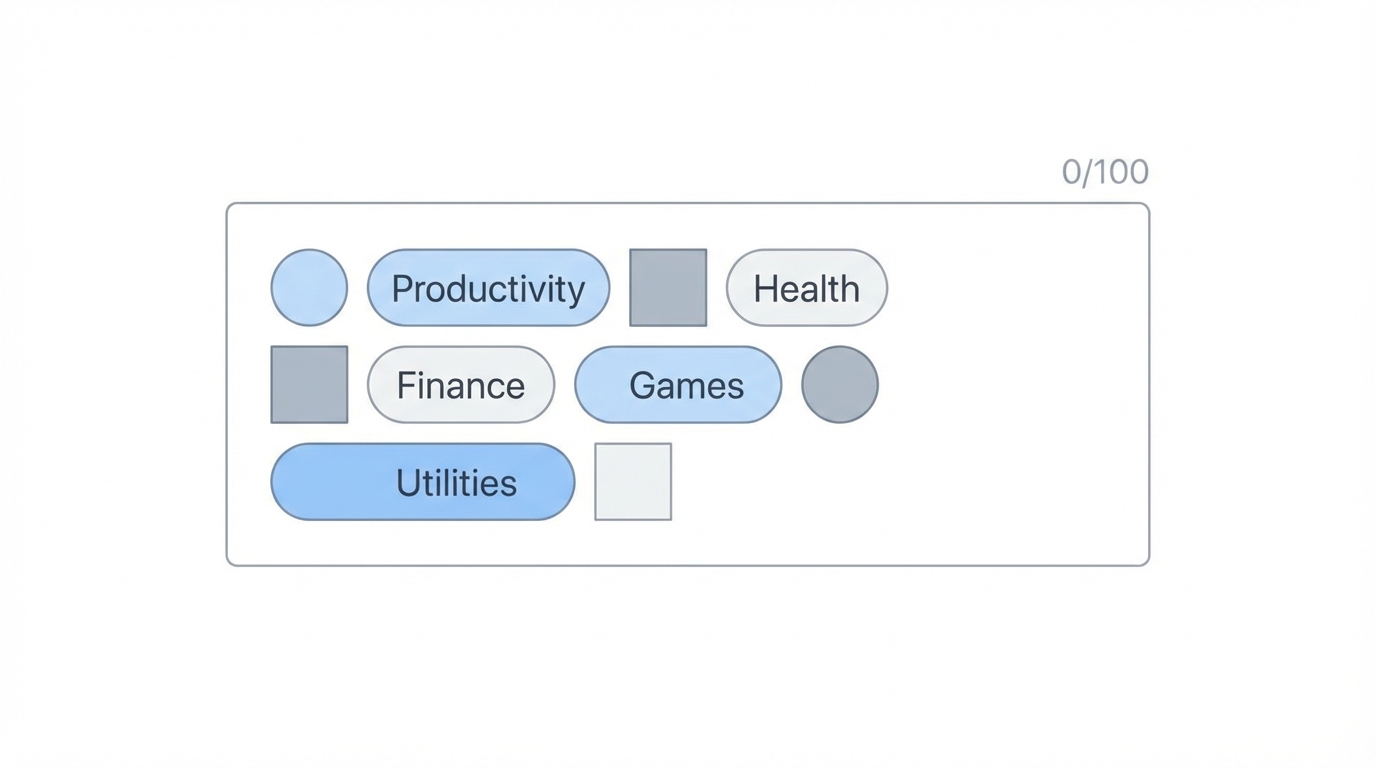
Apple’s algorithm is notoriously precise and rewards efficiency over volume. Unlike web SEO, where more content often equals more indexing opportunities, the Apple App Store operates on a rigid, field-based system. The primary ranking weight is assigned to the App Title (30 characters). This is where your most critical, high-volume keyword must reside. According to research from Mobile Action, apps that place their core keyword in the title see significantly higher ranking stability than those that bury it in the subtitle.
Following the Title, the Subtitle (30 characters) serves as the second most important field. This space should be used for high-intent, descriptive keywords that explain the app’s value proposition while reinforcing your primary search terms. However, the "secret sauce" of iOS keyword optimization lies in the hidden 100-character Keyword Field. This field is invisible to users but critical for the algorithm, as outlined in the Apple Developer documentation. The logic here is strict: separate words with commas, avoid spaces, and never repeat words that are already present in your Title or Subtitle. Apple’s algorithm automatically combines words from these three fields to form search phrases, so repeating "Fitness" in both the title and the keyword field is a wasted opportunity that provides zero additional ranking benefit.
"Apple’s algorithm ignores duplicate keywords across fields—if you use a word in your title, repeating it in the keyword field is a waste of 10% of your metadata space."
Mastering Google Play Store SEO
While Apple uses a structured field approach, the Google Play Store SEO functions much more like traditional web search. Google’s algorithm utilizes sophisticated Natural Language Processing (NLP) to scan your entire app listing. The Title (30 characters) remains the strongest signal, followed by the Short Description (80 characters), which impacts both ranking and user conversion rates.
The biggest differentiator for Android is the Full Description (4,000 characters). Unlike iOS, where the description is not indexed for search, Google crawls every word of your Android description. Industry experts from AppTweak suggest maintaining a keyword density of 1–2%. This typically means mentioning your core keywords 3 to 5 times naturally within the text. If you exceed this, you risk "keyword stuffing" penalties, which can lead to a "shadow ban" where your app stops appearing for those specific terms entirely.
Google also places heavy emphasis on semantic context. It doesn't just look for the word "meditation"; it looks for related terms like "mindfulness," "breathing exercises," and "stress relief" to understand the app's true purpose. This is why long-tail keywords—phrases like "meditation for anxiety"—are increasingly vital. They face lower competition and capture users with specific, high-intent needs, a strategy often discussed on Google Search Central.
"Google Play rewards semantic richness. Don't just repeat one keyword; build a topical map of related terms throughout your 4,000-character description."
Indexing Beyond Text: OCR and User Reviews
One of the most overlooked aspects of mobile app indexing is how platforms "read" non-traditional metadata. Apple has integrated Optical Character Recognition (OCR) into its store algorithm. This means the text you include in your screenshot designs is now being scanned and indexed. While it doesn't carry the same weight as the Title, including keywords in your screenshot captions can subtly influence your ranking for those terms.
On the Android side, Google leverages its prowess in search to index user reviews. Keywords that appear frequently in your reviews can help your app rank for those terms. For instance, if many users mention that your app is a great "budget tracker," Google will begin to associate your app with that search intent. Smart marketers encourage keyword-rich feedback by asking specific questions in their review prompts, such as "How has our budget tracker helped you?" instead of a generic "Please rate us."
Furthermore, Conversion Rate (CVR) has become a primary ranking factor for both platforms. If an app ranks #1 for a term but has a low conversion rate compared to the #2 app, the algorithms will eventually swap them. This is where high-quality creative assets and User-Generated Content (UGC) become essential. To scale these efforts, many top-tier apps use tools like Stormy AI to discover and manage UGC creators who can produce the high-converting video content needed to maintain those top positions.

App Metadata Best Practices: Avoiding Penalties
Effective ASO is as much about what you don't do as what you do. Platform-specific penalties can ruin months of growth work in a single update. On iOS, the biggest mistake is keyword repetition. As mentioned, repeating words across the Title, Subtitle, and Keyword field is a waste of space. Additionally, avoid using the names of competitors in your metadata; while it might seem like a clever way to siphon traffic, it is a direct violation of Apple’s App Store Review Guidelines and can lead to app rejection.
On the Google Play Store, the danger is keyword stuffing. Writing a description that reads like a list of tags rather than human-readable text will trigger Google's spam filters. You must also be wary of "Download Velocity" manipulation. Data from Sensor Tower indicates that while a surge in installs can temporarily boost rankings, unnatural spikes often lead to algorithmic resets or manual reviews.
Another common pitfall is static metadata. Trends in search volume shift rapidly—in 2024 and 2025, for example, "AI" related search volume surged by over 300%. Apps that failed to update their metadata to reflect this shift lost significant market share to more agile competitors. Experts at Business of Apps recommend refreshing your metadata every 4–6 weeks based on current search trends and seasonal shifts.
The ASO Playbook: A Step-by-Step Guide
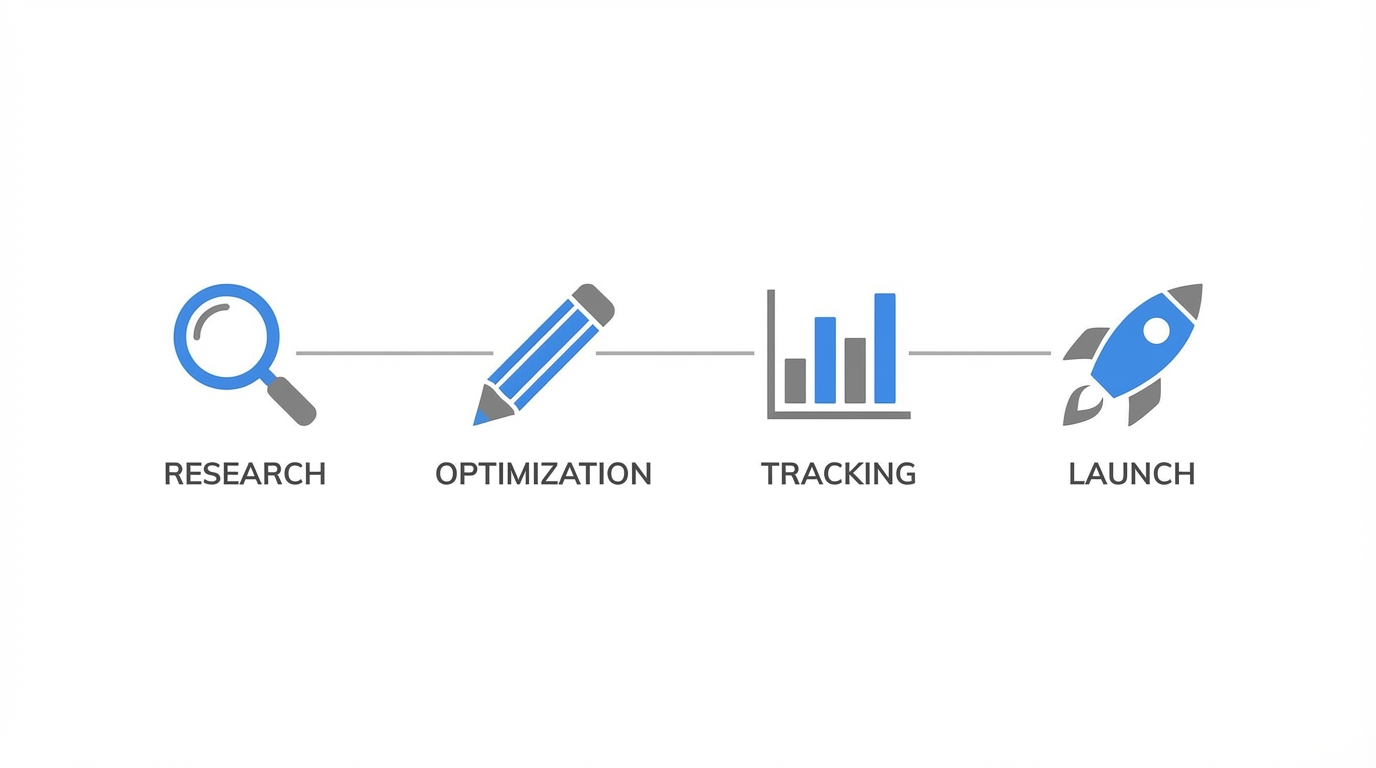
To master platform-specific ranking, you need a repeatable process. ASO is not a "set it and forget it" task; it is a continuous cycle of Research, Test, Analyze, and Repeat.
Step 1: Deep Keyword Research
Start by identifying a mix of high-volume "head" keywords and descriptive "long-tail" phrases. Use tools like Google Keyword Planner to find seed keywords based on web search intent, then validate them using ASO-specific tools to check store-specific volume and difficulty scores.
Step 2: Platform-Specific Mapping
Create two distinct metadata sets. For your iOS version, map unique keywords to the Title, Subtitle, and the 100-character field. For Android, draft a compelling, 4,000-character story that naturally weaves in your keywords with a 1-2% density. Remember to localize (not just translate) for different markets, using regional slang and cultural terms as suggested by localization experts at Dot Com Infoway.
Step 3: Creative Optimization
Design screenshots that not only convert but also assist in indexing via OCR on iOS. Ensure your first two screenshots communicate your app’s primary value proposition instantly. If you are struggling to maintain a high conversion rate, consider utilizing an AI-powered platform like Stormy AI to find UGC creators who can create authentic social proof for your app listing.
Step 4: Analyze and Iterate
After pushing an update, wait 2–3 weeks to gather data. Use Google Analytics for Firebase or App Store Connect to see which keywords moved up and which stalled. If a keyword isn't ranking in the top 10 after a month, it might be too competitive or irrelevant—swap it out for a different long-tail variation and start the cycle again.
"The most successful apps treat ASO as a laboratory, constantly testing new hypotheses and reacting to algorithmic shifts in real-time."
The Future of ASO in an AI World
As we look toward the remainder of 2025, the line between App Store vs Google Play ASO will continue to blur in terms of intent-matching, but diverge in technical execution. Apple will likely double down on privacy-safe indexing and OCR, while Google will continue to integrate its Gemini AI models to better understand the "why" behind a user’s search. For marketers, the takeaway is clear: you cannot use a one-size-fits-all strategy. By respecting the mechanical differences of each platform—optimizing for iOS's field logic and Google Play's semantic descriptions—you can ensure your app doesn't just exist, but thrives at the top of the search results.