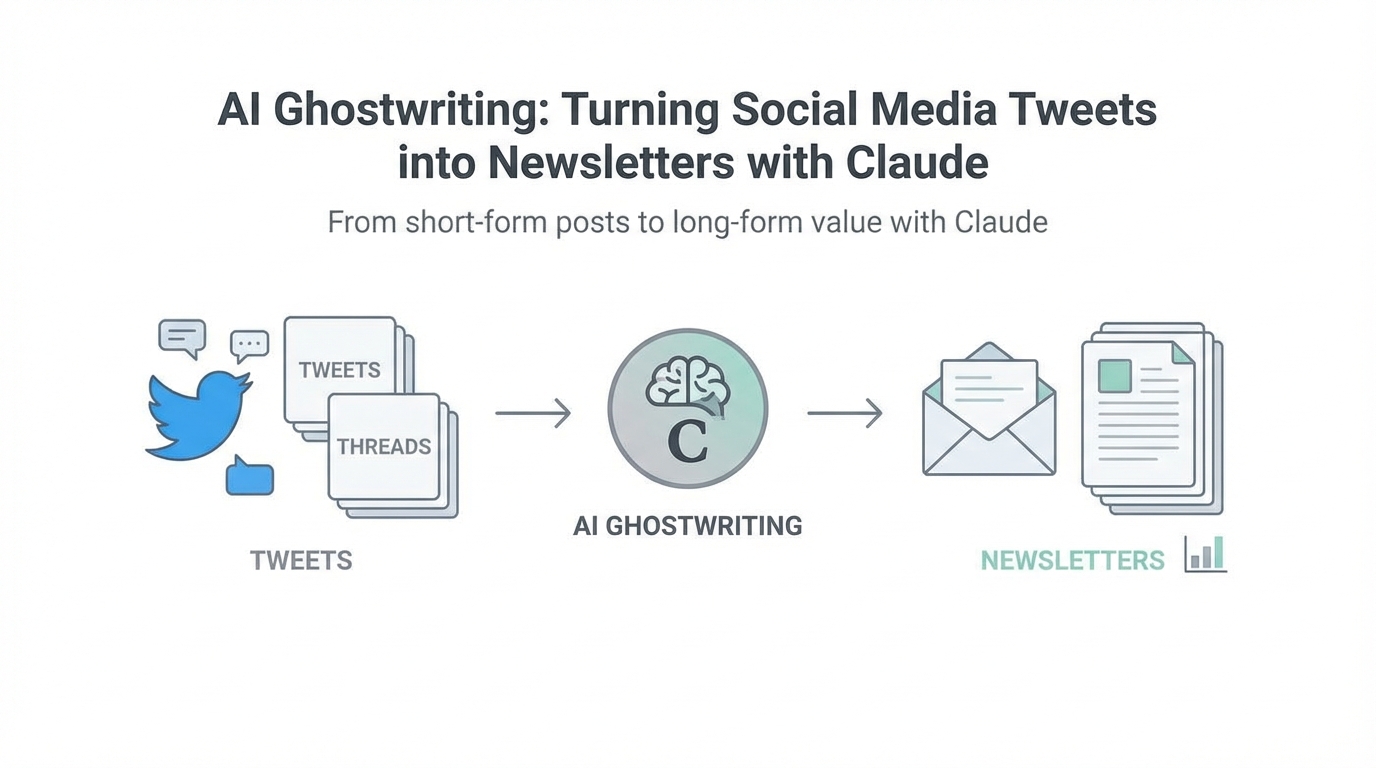
In the high-velocity world of digital influence, the biggest bottleneck isn't creativity—it's repurposing. Content creators often find themselves trapped in a cycle of generating high-signal ideas for X (formerly Twitter), only to see those insights disappear into the algorithmic void 24 hours later. Moving that signal from a 280-character tweet to a high-fidelity, 1,000-word newsletter is a labor-intensive process that most influencers simply don't have the time to execute. According to recent research on the creator economy, efficiency is now the primary differentiator for top-tier earners. This is where AI ghostwriting and the emergence of specialized content creator AI workflows are changing the game.
By leveraging the latest capabilities from Anthropic, specifically Claude Skills, creators can now build "digital employees" designed to handle cross-platform expansion. Unlike traditional prompting, which can be inconsistent, Claude Skills allow for a deterministic, repeatable framework that captures your unique tonal voice and expands your social data into long-form content with surgical precision. This guide provides a full playbook on setting up a Tweet-to-Newsletter engine that gets smarter every time you hit 'publish'.
Understanding Claude Skills: Beyond Standard Prompting

Before diving into the playbook, it's essential to understand why Claude Skills are the missing link for influencers. Most users are familiar with "Projects" in Claude—workspaces where you can add custom instructions and reference files. However, as noted in recent technical discussions on platforms like Hacker News, large context windows in Projects can sometimes suffer from "context rot," where adding too much information leads to hallucinations or degraded performance. When you give an AI too much irrelevant data, it struggles to prioritize the signal.
Claude Skills solve this by acting as automated, specialized workflows that only load context when it is relevant to the task at hand. Think of a Skill as a pre-trained capability that you can apply globally. While a Project is a room, a Skill is a specialized tool in your belt. According to industry insights from Idea Browser, the move toward these "sub-agents" represents the most significant shift in AI productivity since the release of the LLM itself.
For a ghostwriter, this means you aren't just asking Claude to "write like me." You are building a system of scripts and reference data that dictates exactly how it should analyze a tweet, multiply the core insight, and structure the resulting newsletter. This move from non-deterministic chat to functional, code-based execution is what makes professional-grade AI content repurposing possible.
The Playbook: Building Your Tweet-to-Newsletter Skill


Transitioning from a social post to a long-form article requires more than just "making it longer." It requires structural expansion. Here is the step-by-step process to build a production-ready AI ghostwriter using Claude Skills.
Step 1: Exporting Your Social Data
To train an AI to write like you, it needs to see your best work. Start by exporting your top-performing social data. You can use native export tools from LinkedIn or X to get a CSV of your posts. Filter this list for "high-signal" content—posts that received high engagement or sparked significant conversation. This data will serve as the foundation for your reference files.
Step 2: Creating a Tonal Style Guide
One of the biggest hurdles in AI content repurposing is the "uncanny valley" of AI prose—content that sounds technically correct but lacks soul. To fix this, create a style guide. Instead of vague adjectives like "professional" or "witty," provide Claude with specific rules:
- Sentence Structure: Do you use short, punchy sentences or long, academic ones?
- Forbidden Words: List words the AI should never use (e.g., "delve," "tapestry," "unleash").
- Formatting: Do you use bullet points? Do you end your newsletters with a specific sign-off?
- Reference Examples: Include 3-5 examples of your best newsletters (you can find examples on platforms like Substack or Greg Isenberg's Newsletter) to show the AI the exact gap between a tweet and a finished article.
Step 3: Setting Up the Skill in Claude
Within your Claude interface, you will use the Skill Creator to define the logic. You want to instruct the AI to follow a specific experiment pipeline. When you provide a tweet, the Skill should:
- Analyze the core thesis of the tweet.
- Identify three supporting pillars that expand on that thesis.
- Reference the
style_guide.mdto ensure the draft matches your voice. - Produce a newsletter draft including a catchy subject line and a call to action.
Deterministic Results: Why Scripts Matter
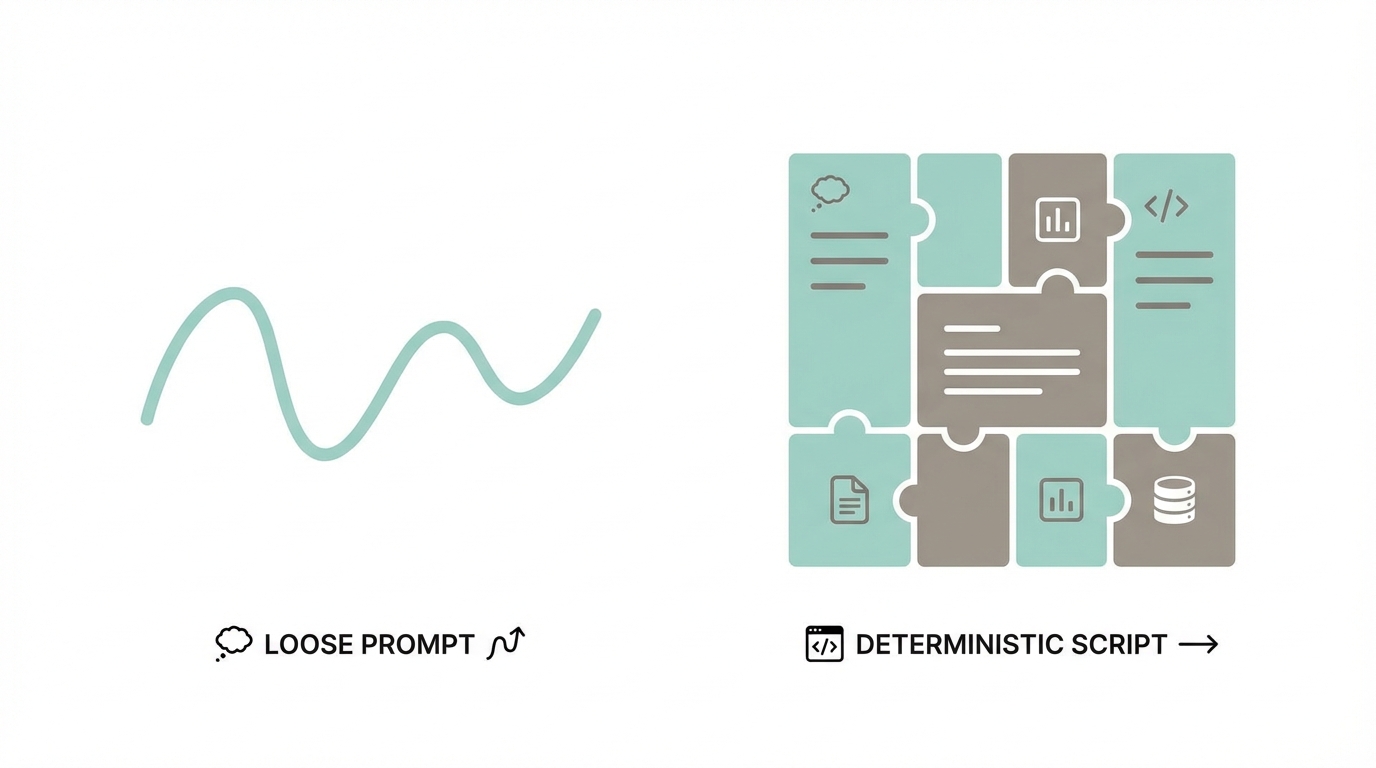
The secret to high-fidelity output is functional code. While standard LLMs "guess" what comes next, Claude Skills can run Python scripts to perform calculations or analyze data structures. If your tweet mentions data—for example, a shift in user growth or a change in Ramp subscription trends—a Skill can be programmed to look at a provided CSV of analytics and calculate the exact percentages rather than hallucinating them.
As Sam Altman, CEO of OpenAI, famously stated, we are entering "the era of the idea guy." But the "idea guy" only succeeds if they have the systems to execute those ideas. By using scripts within your Skills, you ensure that your ghostwriter is not just a creative writer, but a data-informed analyst. This is particularly useful for niche creators who provide market insights or technical breakdowns.
Beyond Text: Visual Content and Graphics
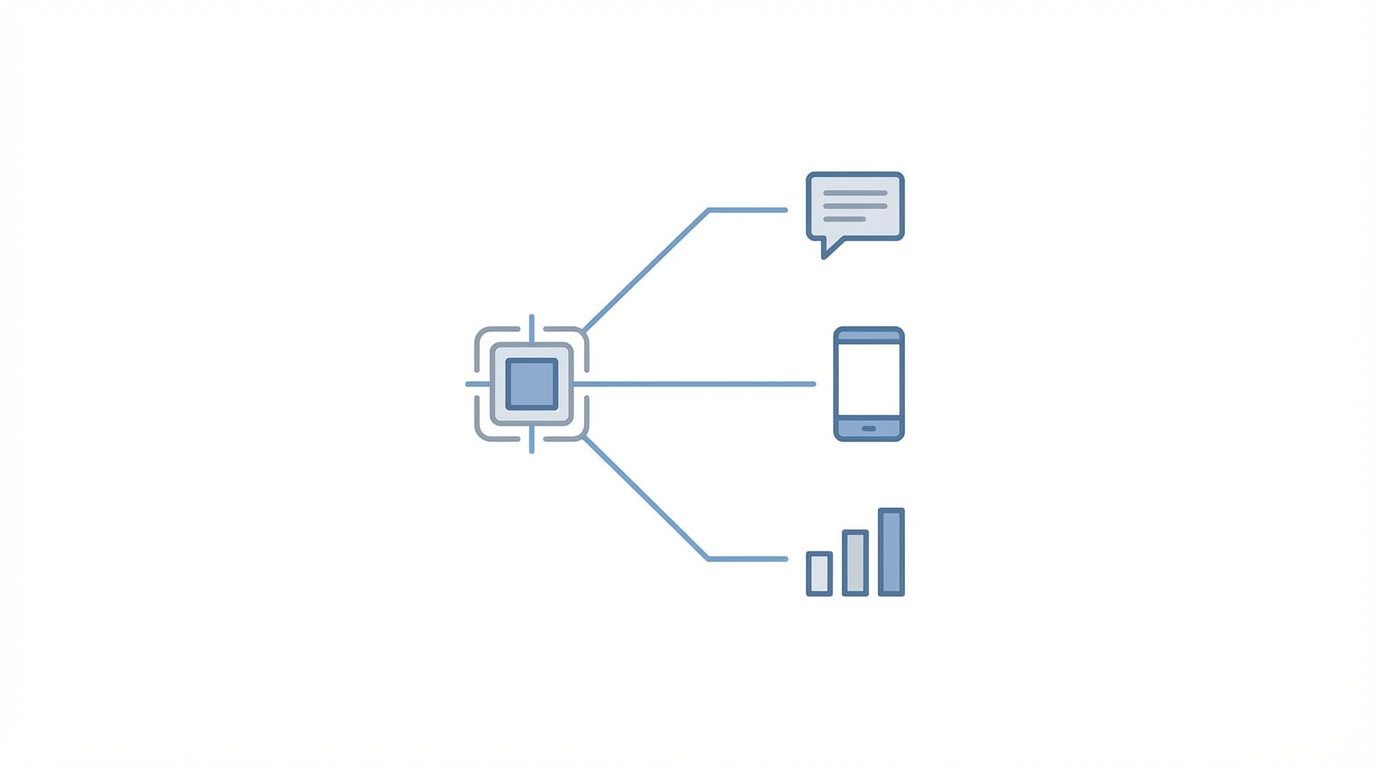
A newsletter isn't complete without visuals, and the modern content creator AI workflow now includes programmatic graphic generation. Within Claude, you can use "Artifacts" to build functional web components or visual representations of your data. For example, if your newsletter discusses a marketing funnel, you can have a Skill that automatically generates a visual diagram or a chart based on the text expansion.
By using an MCP (Model Context Protocol) like Firecrawl, your Skill can even scrape live web data to include real-time social proof or screenshots of relevant trends directly into your draft. This moves your workflow from simple text-to-text conversion to a full-scale content production house managed by a single AI agent.
When you are managing a high volume of content across multiple platforms, organization becomes the primary challenge. For professional creators and marketing teams, using tools like Stormy AI can help source and manage UGC creators at scale, ensuring that the human-generated "signal" is always available to feed into your AI repurposing engine. Managing these creator relationships within a centralized Creator CRM ensures that your AI has a constant stream of high-quality, authentic data to work with.
Building a 'Smarter' Content Repository
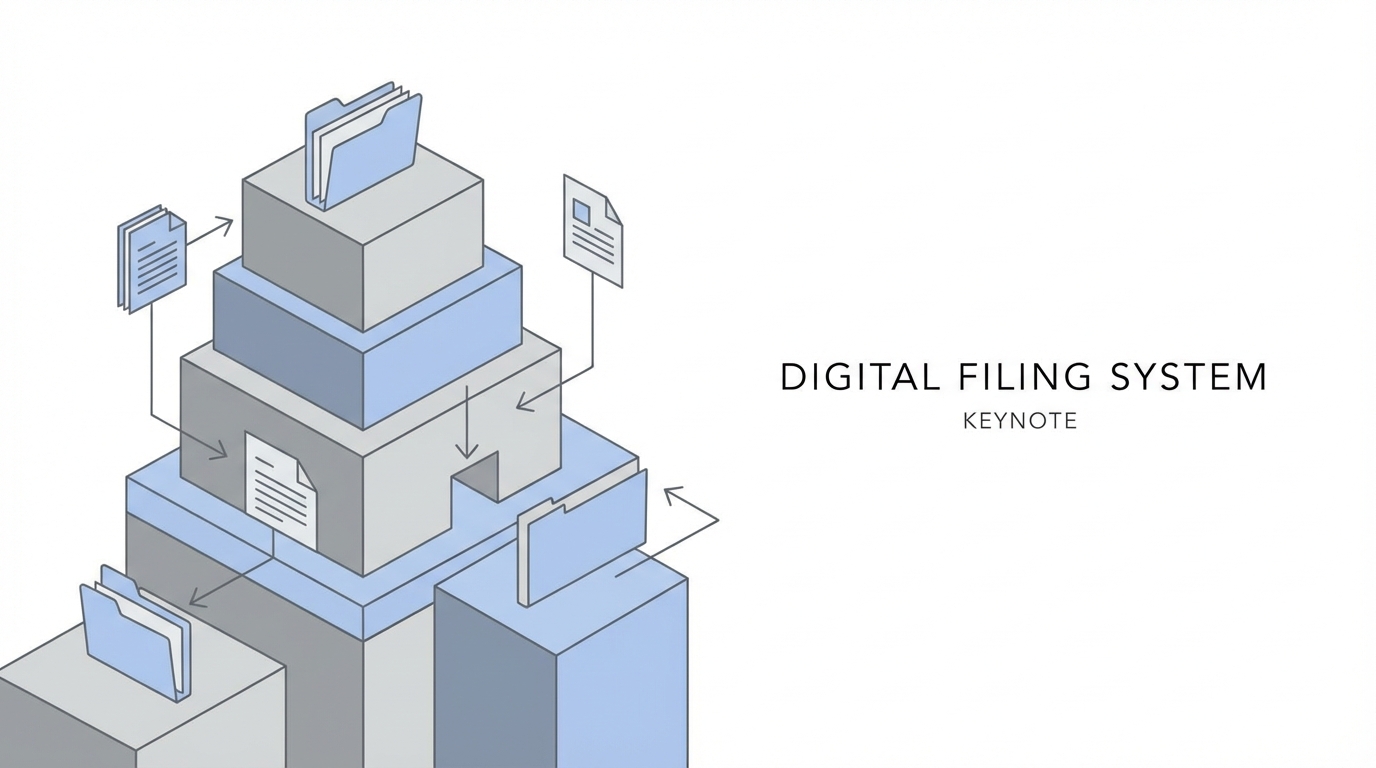
The ultimate goal of using an AI ghostwriter for influencers is to build a system that improves over time. Every time you edit a Claude-generated newsletter, you should save the final version back into your Reference Files. This creates a feedback loop where the AI learns from your corrections.
To build a robust repository:
- Store everything in Markdown: It is the native language of LLMs and ensures clean formatting across all editors; you can learn the basics via the Markdown Guide.
- Maintain a Glossary: As your brand evolves, update a
glossary.mdfile with new terms, acronyms, or concepts unique to your niche. - Version Control Your Skills: Treat your Claude Skills like software. If a specific version of your Tweet-to-Newsletter Skill performs exceptionally well, save those instructions as a "v1.0" master file and edit them in tools like Cursor.
Conclusion: The Future of AI Fluency
The current dip in AI adoption seen in some enterprise sectors isn't a failure of the technology—it's a gap in AI fluency. Most people are still treating AI like a search engine rather than a specialized employee. By mastering AI content repurposing through Claude Skills, you are positioning yourself at the forefront of the new creator economy.
Key Takeaways for Creators:
- Stop Prompting, Start Building: Move away from one-off chats and toward repeatable, script-based Skills.
- Context is King (But Watch Out for Rot): Provide the right amount of high-signal data, and keep it updated in specialized reference files.
- Human-in-the-Loop: Always act as the editor-in-chief. Use AI to handle the 80% of the heavy lifting (expansion, formatting, data calculation) so you can focus on the final 20% of creative polish.
As you scale your output, remember that the most successful creators aren't those who work the hardest, but those who build the best systems. Whether you're finding new influencers to collaborate with on Stormy AI or turning your daily tweets into a weekly newsletter empire, the goal remains the same: maximum impact with minimum friction. Start building your digital ghostwriter today and stop letting your best ideas die on the timeline.