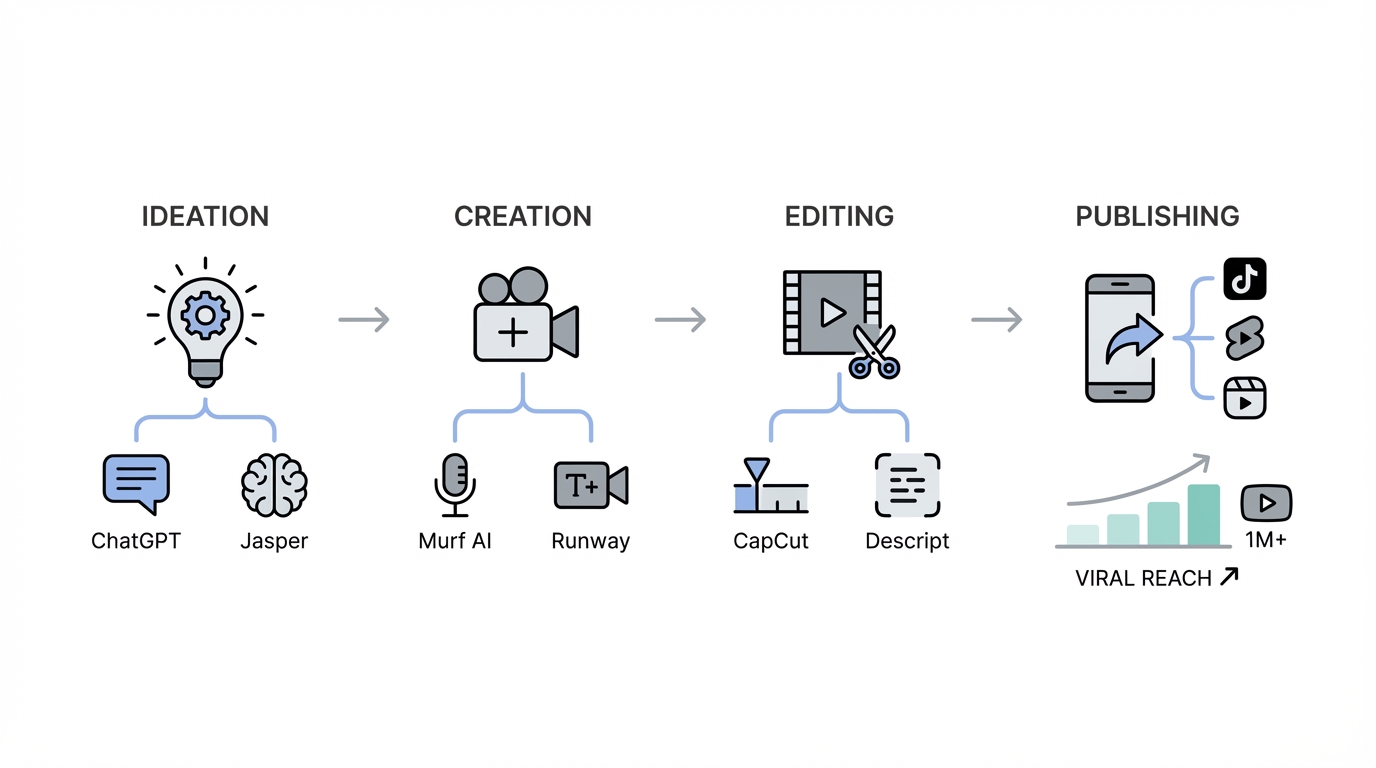
Short-form video has officially become the bread and butter of the internet. It is the undisputed top-of-funnel for all digital attention, serving as the primary discovery engine across TikTok, Instagram, and YouTube Shorts. For the modern creator, the challenge isn't just about being creative; it’s about speed. In an era where attention is a slot machine, the ability to move from idea to deployment in under an hour is what separates the viral elite from the noise. By leveraging a high-performance AI video generator and a streamlined tech stack, creators are now producing cinematic content that once required a full production studio.
The Era of the "Idea Guy": Why Short-Form Speed Matters
Sam Altman, co-founder of OpenAI, recently noted that we are entering the "era of the idea guy." With AI tools for creators handling the heavy lifting of technical execution, the most valuable skill is now the ability to identify trends and package them into high-context narratives. High-velocity creators don't spend days on a single edit; they rely on muscle memory and automated workflows to maintain a daily posting schedule. This approach allows them to test more hooks, resolve more conflicts, and ultimately win the algorithm's favor through sheer volume and quality.

To compete at this level, your content creator tech stack must be built for friction-less production. Whether you are running organic campaigns or optimizing for Meta Ads Manager, the goal is to capture, maintain, and reward attention in under 60 seconds. This requires a specific set of tools designed to automate the most time-consuming parts of the creative process: sourcing, b-roll generation, and screen recording.
Generating Custom B-Roll: Moving Beyond Generic Stock Footage
The days of using overused, generic stock footage are over. Modern audiences crave authenticity and high-context visuals. If you are talking about a specific startup founder or a niche technical concept, a generic clip of a "man in an office" will cause viewers to scroll past. This is where AI video generator technology like Midjourney and FreePik’s specialized AI tools become essential. Instead of searching for hours, you can generate specific assets—like Sam Altman building an agent on a MacBook Pro—in seconds.
With the release of the Sora 2 API, the barrier to cinematic B-roll has dropped even further. While earlier models were slow and restrictive, new Sora-powered workflows allow for hyper-realistic camera movements, such as an orbital shot around a focused individual, at a fraction of the cost. By using a reference image to maintain character consistency, creators can build a visual world that perfectly matches their script. For those focused on performance marketing, these custom visuals often result in higher engagement rates on Apple Search Ads and TikTok Spark Ads compared to stock content.
Automated Screen Recording: The Secret to Professional Demos
For tech creators and startup founders, screen recordings are the primary way to demonstrate value. However, traditional tools like Loom or basic OBS recordings often look amateurish. The best AI for video editing in the screen-capture space is currently Screen Studio. It automates the most tedious part of the process: manual keyframing. Screen Studio automatically adds smooth zooms, follows your cursor, and applies professional padding and rounded corners to your windows.
This tool allows you to show complex workflows—like building an agentic flow in OpenAI’s Agent Kit—with cinematic motion. The software detects where the action is happening on your screen and creates the zoom-ins for you, saving hours in Adobe Premiere Pro. It creates a polished, high-end look that signals authority to your audience. When combined with UGC strategies, these professional recordings can significantly lower the cost-per-install for mobile app campaigns.
Rapid Asset Acquisition and Sourcing with Downie
Speed is often dictated by how quickly you can get your hands on the raw materials. High-performance creators use tools like Downie to instantly download assets from YouTube, X (formerly Twitter), or Instagram. Instead of dealing with sketchy browser extensions or virus-laden MP4 converters, Downie allows for rapid asset acquisition with a simple drag-and-drop interface. This is crucial when you need to grab a specific clip from a keynote or a trending news segment to use as a visual hook.
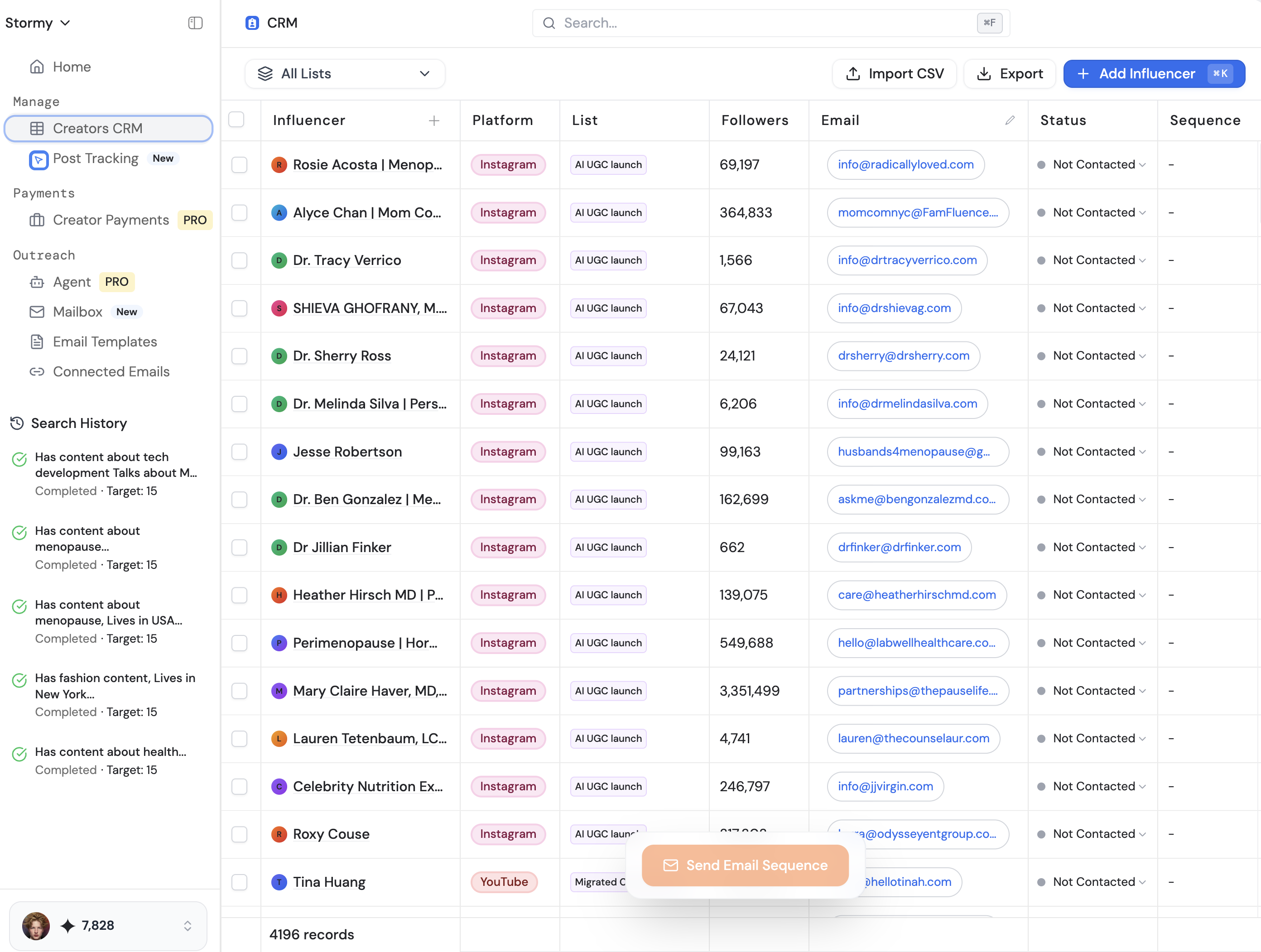
Once sourced, organization is key. A disciplined folder structure (naming conventions like [Date] - [Topic]) ensures that you can reuse assets across multiple platforms. If you are sourcing UGC creators or influencers to scale your brand, tools like Stormy AI can help source and manage these creators at scale, ensuring your asset library is always filled with fresh, high-quality footage. Managing these relationships within a dedicated creator CRM prevents the communication bottlenecks that often slow down fast-moving marketing teams.
AI Agents: Using OpenAI Agent Kit for Data-Backed Scripts
A viral video starts with a viral script. To find winning ideas, top creators are now using AI agents to scan for data-backed startup ideas and trending topics. By implementing OpenAI’s Agent Kit, you can build agentic workflows that search for what people are "screaming for" in terms of products or content. This moves the scripting process from guesswork to data-driven storytelling.
When writing, the goal is to avoid an "information dump." AI can handle facts; humans must provide the opinion and conflict. A successful script brings in conflict early—not necessarily a fight, but a problem that requires a resolution. For example, instead of just announcing a new tool, explain why it's a threat to legacy workflows. This "pattern interrupt" keeps the viewer's brain engaged, much like the psychology of a slot machine, rewarding them with small dopamine hits of information throughout the 60-second duration.
Budget vs. Pro Stack: How to Replicate the $100k Look
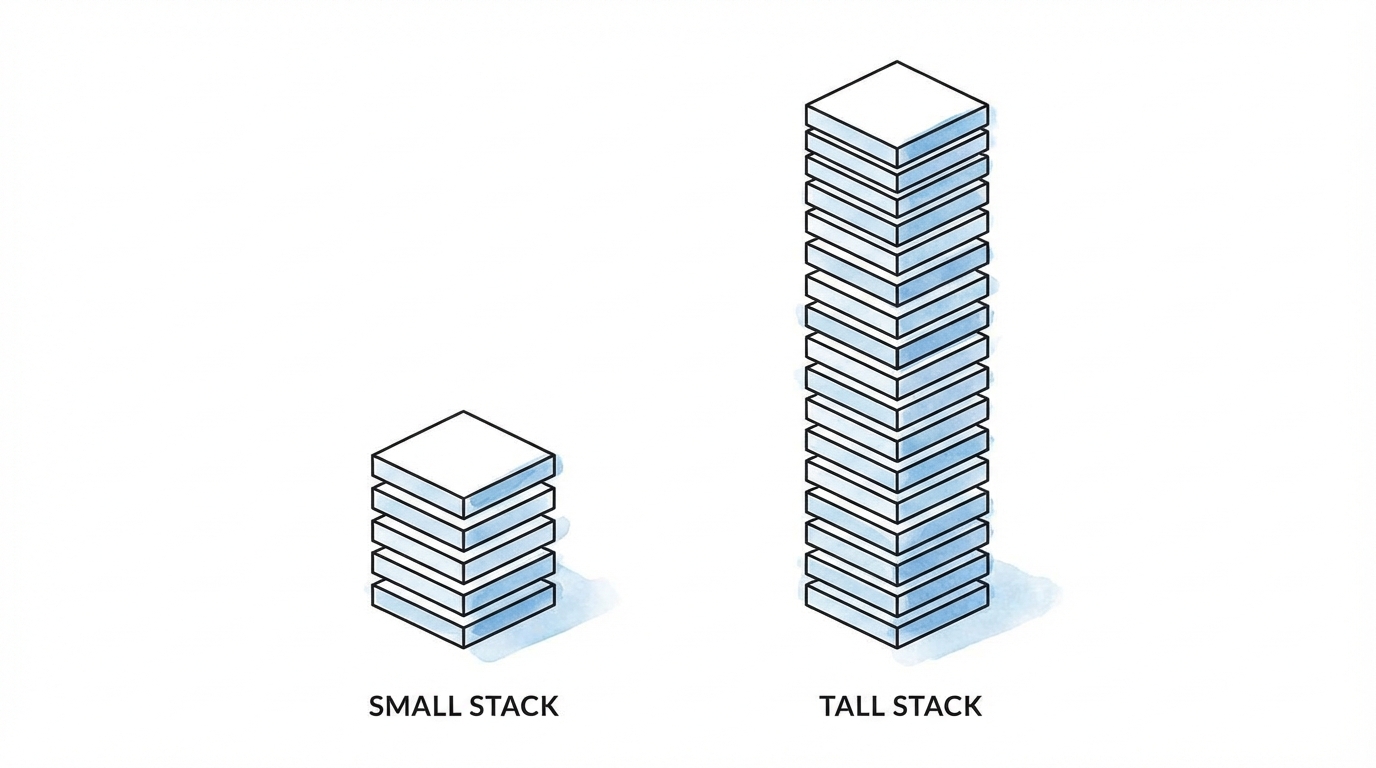
Many creators believe they need a $100,000 studio to go viral. While pro-level gear like the Canon R5C and Amaran 150C lighting sets a high bar, you can replicate 90% of the look with an iPhone. The secret lies in Apple Log. Recording in a log format allows for professional color grading that mimics cinematic film stock. When paired with affordable Amaran lighting (like the F22C) and a softbox with a honeycomb grid, you can create the "shadow side" and depth found in high-end talking-head videos.
The $5k Budget Professional Setup:
- Camera: iPhone 15/16 Pro using Apple Log (or a used Sony A7III).
- Lighting: Amaran 100D with a Light Dome Mini II and a grid to prevent light spill.
- Audio: A used Shure SM7B or even AirPods 3 (which have surprisingly good isolation for short-form).
- Editing: Mac Studio (M1 or M2) with Premiere Pro or DaVinci Resolve.
The total cost for a top-tier home studio can be under $5,000, yet it produces visuals that compete with professional agencies. For brands looking to scale, using influencer discovery platforms like Stormy AI allows you to find creators who already have these high-end setups, ensuring your sponsored content doesn't look like a "low-quality ad" but rather a native, high-production-value post.
The Viral Edit Playbook: Step-by-Step Workflow
Follow this step-by-step playbook to 10x your production speed using Roberto Nixon's "muscle memory" workflow:
Step 1: Scripting and Hook Design
Write your script in Apple Notes. Focus on a strong verbal hook. Use the Agent Kit to ensure the topic is trending on Google Ads keyword trends or social media. Paste the script into Prompter Pro to ensure a smooth, one-take delivery.
Step 2: Single-Take Recording
Record your A-roll in a single take using a teleprompter. Record audio separately into OBS for redundancy. Aim for 3 takes per line to ensure you have the best inflection and energy for the final edit.
Step 3: The High-Pace Edit
Bring your footage into your NLE (Premiere or Resolve). Use a multiband compressor and parametric equalizer to make your voice "pop." Use the "millennial pause" removal technique: cut the silence between breaths and overlay the audio of the next line by a few frames. This creates a punchy, breathless pace that maintains high retention.
Step 4: AI Asset Injection
Identify moments in the script that need visual context. Use Screen Studio for software demos and FreePik Nano Banana for custom images. If you need AI video generator clips, use the Sora 2 API to create 2-4 second B-roll segments that match your brand's color palette.
Step 5: Captioning and Sound Design
Generate single-line captions using a high-end font like Aionic or Romie. Add sound effects (risers, clicks, and pops) for every visual transition. This "pattern interrupt" strategy is what keeps viewers from scrolling away.
Conclusion: The Future is Productized Creativity
We are living in the greatest time in history to be a builder. AI doesn't replace the creator; it democratizes the production house. By mastering the AI content stack, a single individual can now command the same attention that once required a multi-million dollar television budget. Whether you are using Sora 2 for creators to generate dreamscapes or using Stormy AI to find the right partners for a campaign, the goal remains the same: capture attention, maintain it with conflict, and reward it with value. Start building your stack today, and move from an "idea guy" to a high-velocity media engine.