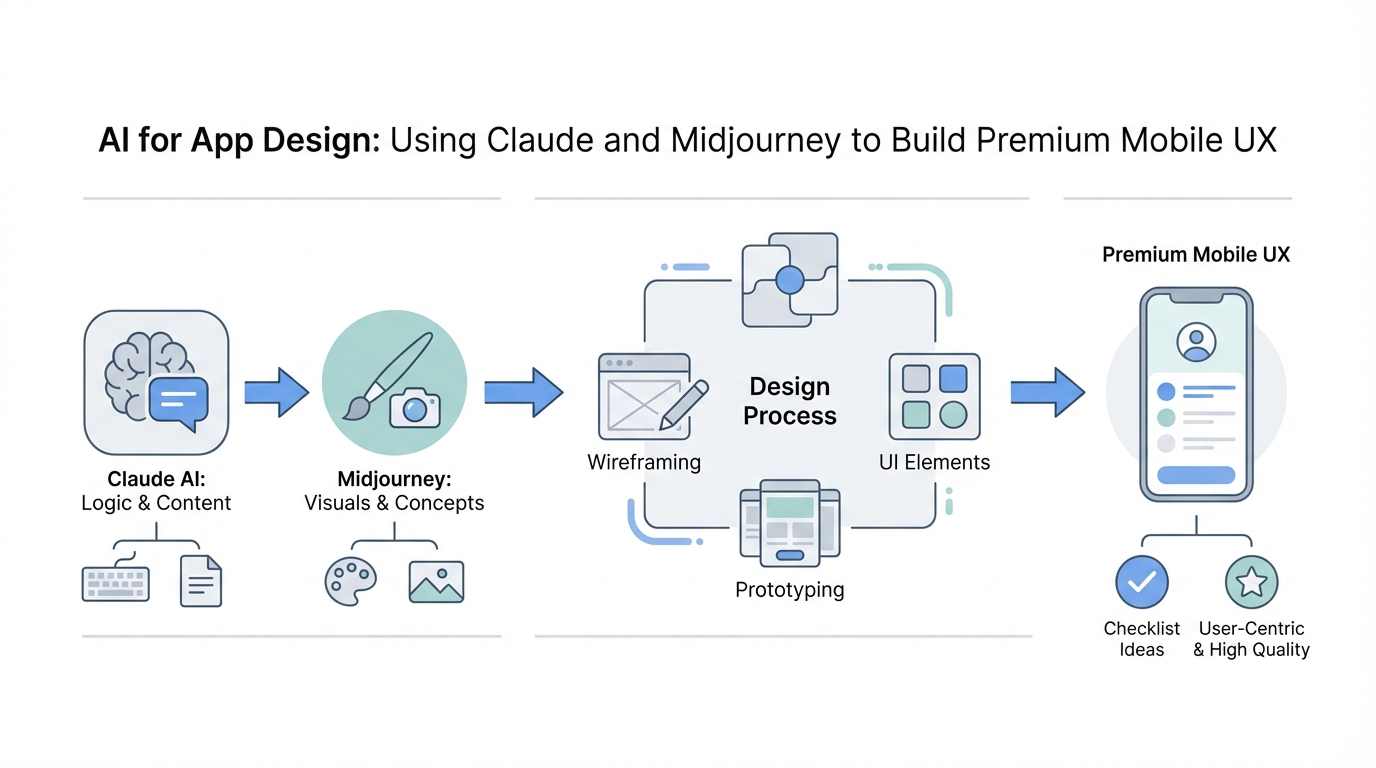
In the current gold rush of solo-developed mobile apps, building an application that generates $10,000 to $100,000 in monthly recurring revenue is no longer just about the underlying code. As thousands of "vibe-coded" apps flood the App Store every day, the bar for success has shifted from functionality to feeling. Users can now intuitively spot an app that was slapped together in 24 hours by an AI; it feels static, generic, and lifeless. To stand out, developers must leverage generative AI for developers not just to write functions, but to craft premium interactions, custom mascots, and high-fidelity animations that scream "high quality."
Beyond "Vibe-Coding": Why Interactions are the New Moat

The era of the "idea guy" is here, as noted by industry leaders like Sam Altman, but the successful idea guy is the one who understands polish. Most developers using tools like Claude or Cursor stop at the MVP. They ship a functional UI that looks like every other Tailwind-inspired dashboard. However, as Chris Vurore points out, the difference between a tweet getting seven likes and a tweet getting 400,000 views and 800 waitlist signups often comes down to six hours of interaction design.
Take the example of Amy, a calorie-tracking app. While the space is hyper-competitive, Amy stood out because of its Apple Notes-meets-AI interaction model. Instead of clicking through a dozen menus, users type their meal and watch an AI search for nutritional data in real-time. This "breath of fresh air" was achieved through specific animations—subtle gradients while searching, sources sliding down, and a sense of motion that makes the app feel alive. If your app feels static, it feels cheap. AI app design is the tool that bridges that gap, allowing a single builder to simulate the output of a 10-person design team.
Prompt Engineering for Swift Metal and Custom UI Components
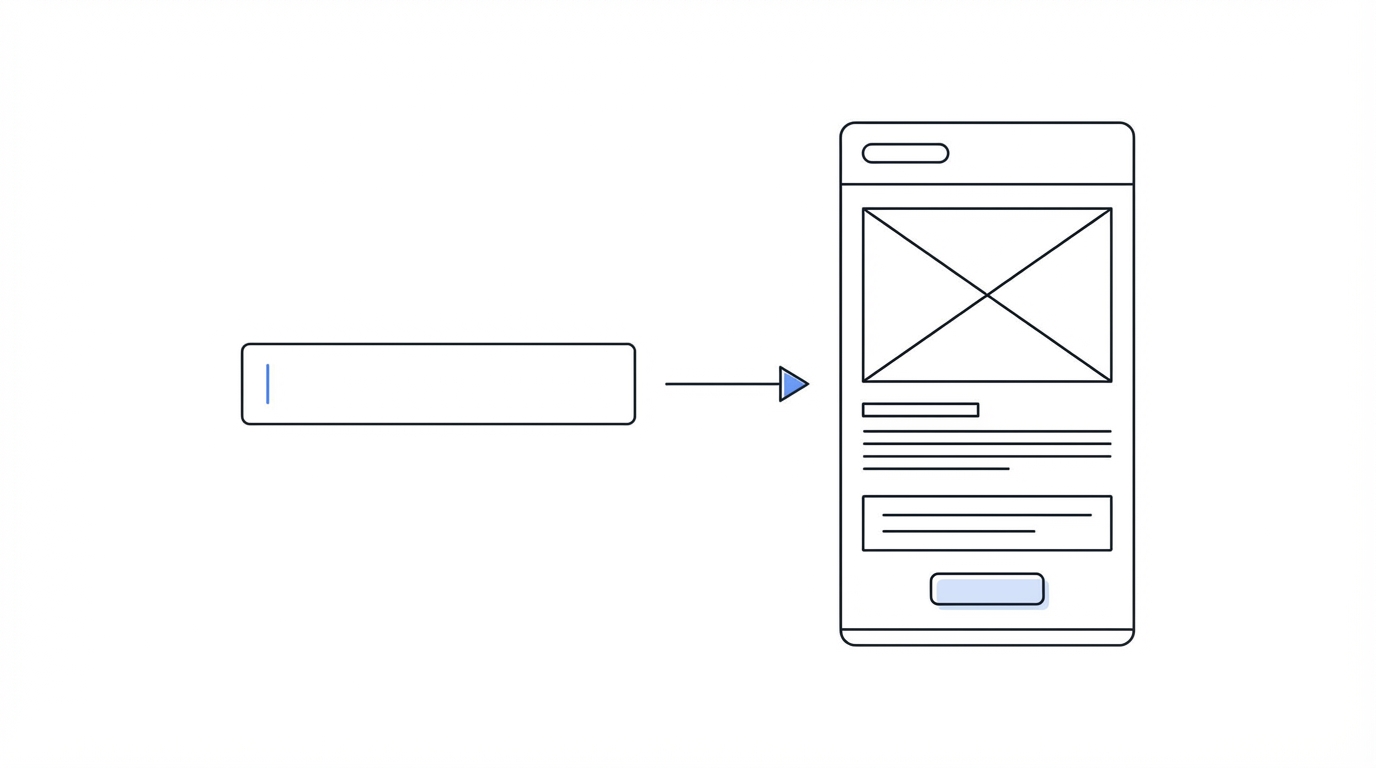
One of the most powerful realizations for modern developers is that Claude is exceptionally well-trained on Apple's documentation. This includes complex frameworks like Swift Metal and specialized animation libraries. You don't need to be a math genius to implement "liquid glass" or holographic stickers; you just need to know how to describe the physics in plain English.
When building the Luna budgeting app, Vurore implemented page transitions that weren't just instant cuts. Instead, the pages slide and bounce with a subtle elasticity. To achieve this via prompt engineering for UI, you should move away from generic prompts like "make it look good" and toward descriptive physics: "When the user swiped between tabs, make the incoming view slide in from the right with a spring-loaded bounce (damping 0.7, response 0.5) and have the previous view scale down slightly to 95% before disappearing."
This level of detail is how you get Claude to produce high-end code for features like holographic stickers. By prompting the AI to recreate the reflective properties of a physical sticker using device tilt and Metal shaders, you create "sticky" moments that users remember. These aren't just features; they are emotional triggers that lead to higher retention.
Mascot Mashups: Using ChatGPT as an AI Mascot Generator
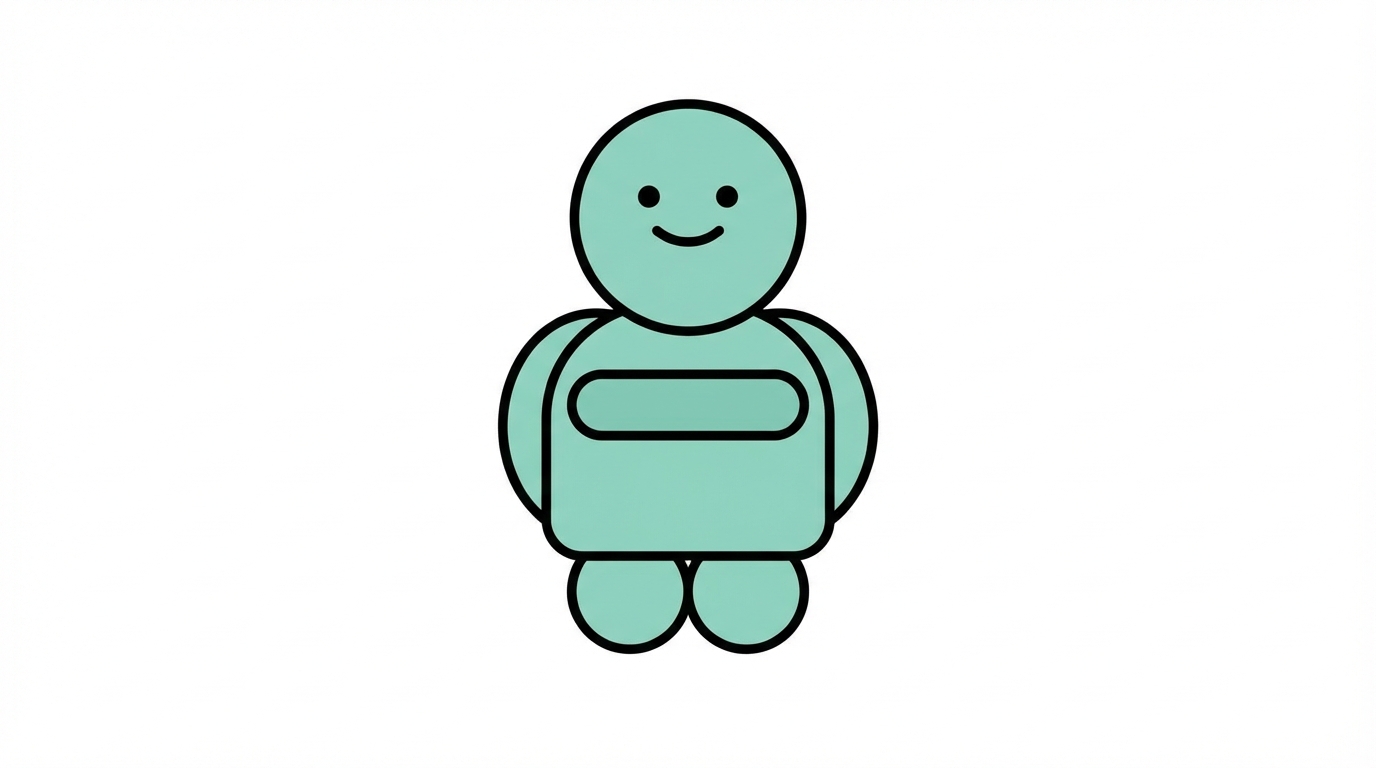
The rise of "mascot-driven design" is a massive trend in 2024 and 2025. Apps like Duolingo have proven that a character can become the face of a brand, but you don't need a professional illustrator to get started. Using a strategy called Mascot Mashups, you can use ChatGPT 4o to blend existing references into something unique.
Step 1: The Reference Foundation
Start by finding a visual style you like. Instead of just describing it, provide a reference. You can even use a hand-drawn sketch from an iPad or a photo of a pet. This ensures the AI doesn't just produce a generic "Pixar-style" character that looks like everything else on the internet.
Step 2: The Multi-Reference Prompt
To create a truly unique character, feed ChatGPT two different references. For example, mashing the youthful energy of the Snapchat ghost with a hand-drawn illustration of a dog. The AI will blend the depth, line weight, and personality of both, resulting in a 3D-ish character that has shadows, depth, and a specific "vibe."
Step 3: Iterative Refining
Don't settle for the first generation. Use the AI mascot generator to create variations of your character for different app states. If your character is named "Lily the Ghost," prompt the AI to create versions of Lily searching with a magnifying glass, Lily celebrating a completed task, or Lily sleeping for an empty state. This consistency creates a narrative within the app that keeps users engaged.
Pro Tip: Using Midjourney for Looping Character Animations
Most people view Midjourney as a tool for static images, but it has become an incredible resource for Midjourney for mobile design, specifically for splash screens and login pages. By feeding an existing mascot image back into Midjourney and using its animation features, you can generate short, looping video assets.
Imagine a user opening your app and seeing your mascot subtly breathing, blinking, or floating on the splash screen. This single detail removes the "vibe-coded" stigma instantly. It signals that the developer cared enough to add a layer of polish that isn't standard in basic AI-generated boilerplates. These assets can then be exported as GIFs or Lottie files to be integrated directly into your Swift or React Native code.
The Empty State Strategy: Personality Over Utility
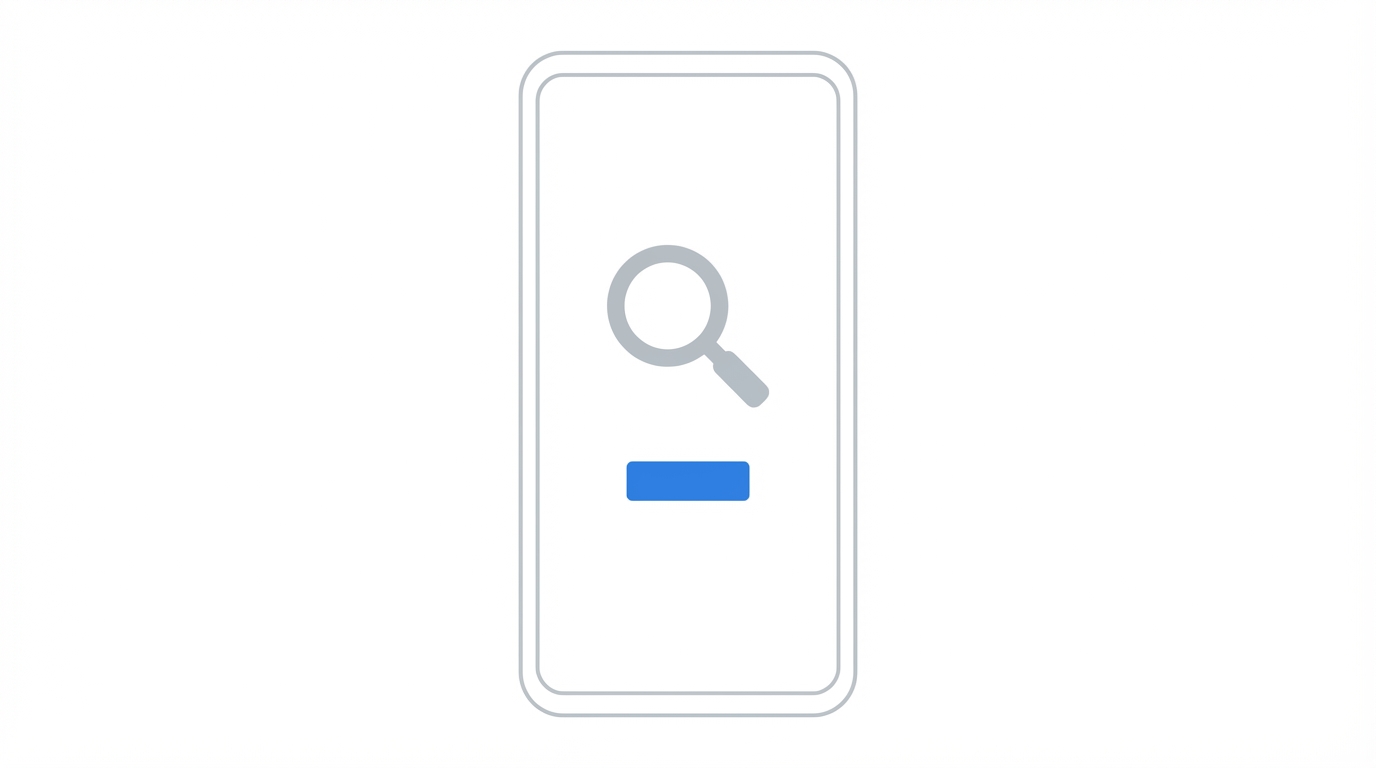

The "Empty State" is the screen a user sees when there is no data—no search results, no tasks, or a new account. Standard apps put a gray icon and a text string saying "No results found." A premium mobile UX uses this space to reinforce the brand's personality. By using the custom illustrations generated in the mascot mashup phase, you can turn a moment of friction (no data) into a moment of delight.
This is where tools like Stormy AI can eventually help. Once you've designed these beautiful, character-driven interfaces, you'll need to source creators who can showcase them. Using a platform like Stormy AI allows you to find UGC creators who specialize in app walkthroughs, ensuring that your custom animations and mascots are the star of your marketing creative.
Retention Hacks: The Power of Home and Lock Screen Widgets
Widgets are the ultimate "cheat code" for app retention. When a user places your widget on their home screen, you have effectively bypassed the need for them to "remember" to open your app. You are taking up prime real estate on their most-used device. With AI, building a widget that used to take two weeks now takes four hours.
Claude and other tools are highly proficient in WidgetKit documentation. You can prompt the AI to create a widget that not only displays data but features your custom AI-generated mascot. This creates a visual hook. Even better is the Lock Screen Widget. Since Apple only allows four slots on the lock screen, getting into one of those slots is a retention goldmine. Users see your app up to 150 times a day every time they check their notifications. If your widget is well-designed and features high-quality AI app design, the chances of them building a long-term habit with your product double.
When to Spend $300: Commissioning Original Art vs. AI
While AI is powerful, there is a strategic time to spend money on a human artist. For about $200 to $300, you can commission a "baseline" character from an artist on a platform like Upwork or Fiverr. This original artwork serves as the unique DNA for your AI generations.
If you only use AI, you risk your mascot looking like a derivative of the common training data. By feeding original hand-drawn art into ChatGPT as a style reference, you ensure that the thousands of iterations you generate afterwards maintain a unique, non-generic soul. This is the hybrid approach used by top solo builders to create apps like Ellie and Amy—using human creativity to set the direction and AI to handle the scale.
Essential Design Resources for Solo Builders
To level up your design sense, you must constantly consume high-quality UI. Here are the four resources every developer should have bookmarked:
- Mobbin: A massive library of real-world app screenshots. Use it to see how top-tier apps handle icons, typography, and user flows.
- 60fps: Dedicated to mobile interactions and animations. This is where you find inspiration for the "bounciness" you'll prompt Claude to code.
- Heroicons & Font Awesome: For consistent, high-quality iconography. Never mix lined and filled icons in the same UI; it's the fastest way to make an app look amateur.
- Create Anything: A platform that allows you to experiment with custom animations and modals without writing a single line of code initially.
Conclusion: The Era of the Polished Builder
The competitive landscape of the App Store in 2026 will not be won by those who can code the fastest, but by those who can design the most thoughtfully. By using Claude for complex Swift Metal animations, ChatGPT as a custom mascot generator, and Midjourney for character motion, solo developers can ship products that rival those of venture-backed startups.
The playbook is simple: start with a novel interaction model, add a mascot with a unique soul, polish every transition until it feels "bouncy," and secure your spot on the user's home screen with a beautiful widget. When you're ready to show the world what you've built, tools like Stormy AI can help you find and manage the influencers who will turn your polished UX into a viral sensation. It has never been easier to build an app, but it has also never been more important to build an app that stands out.