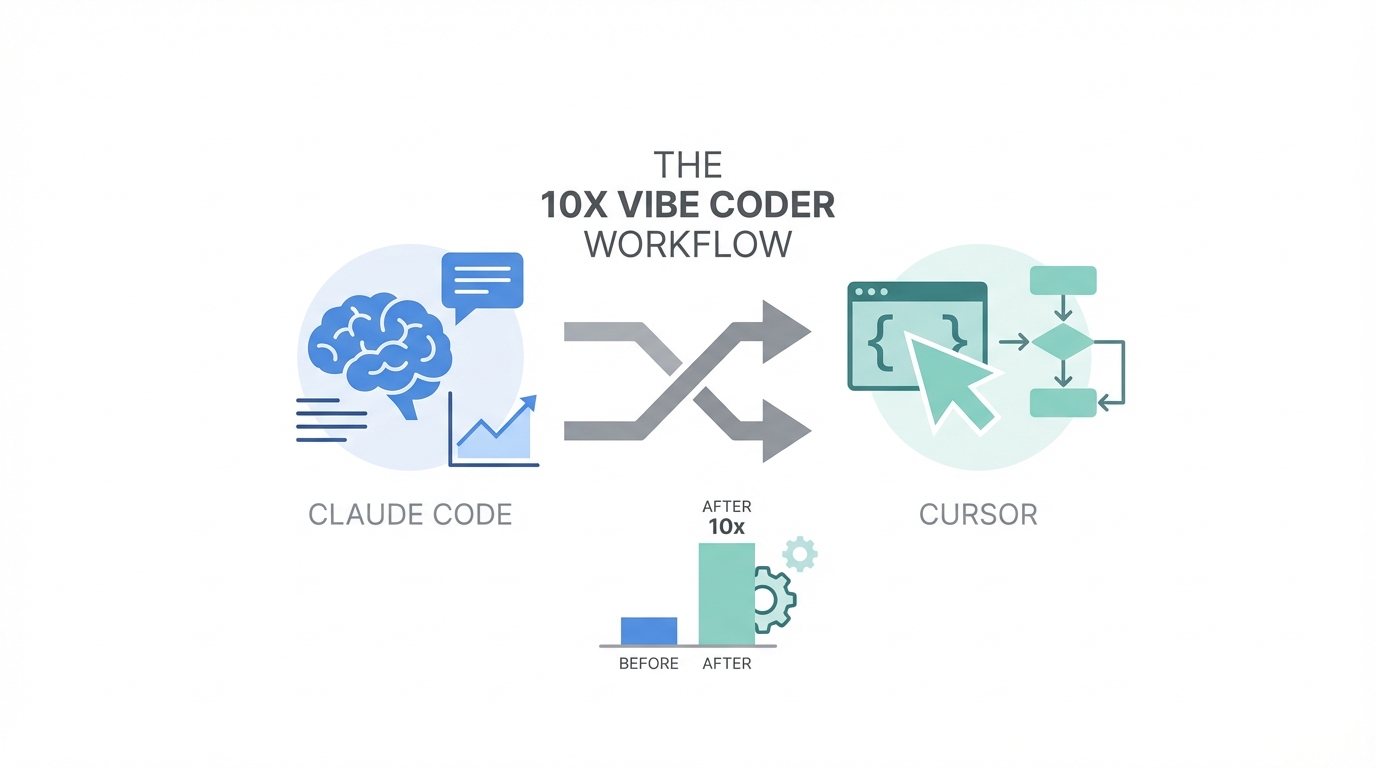
We are officially living in the era of the vibe coder. As Sam Altman recently noted, we have entered the age of the "idea guy," where the barrier between a concept and a functional application has been pulverized by generative AI. But while many developers are content with simple prompting, 10x developers are building sophisticated, high-revenue portfolios by orchestrating multiple AI tools simultaneously. The goal isn't just to use AI; it's to create a multi-model execution environment that minimizes friction and maximizes logic accuracy.
To achieve this, professional vibe coders are no longer choosing between Claude Code and Cursor. Instead, they are running them in parallel. By positioning the Claude Code terminal alongside the Cursor IDE, you can leverage the specific structural strengths of both platforms—using one for high-level architecture and the other for granular file editing. This playbook breaks down the exact configuration, model strategy, and advanced hacks needed to master this dual-AI development workflow.
The Dual-AI Workspace: Positioning for Velocity
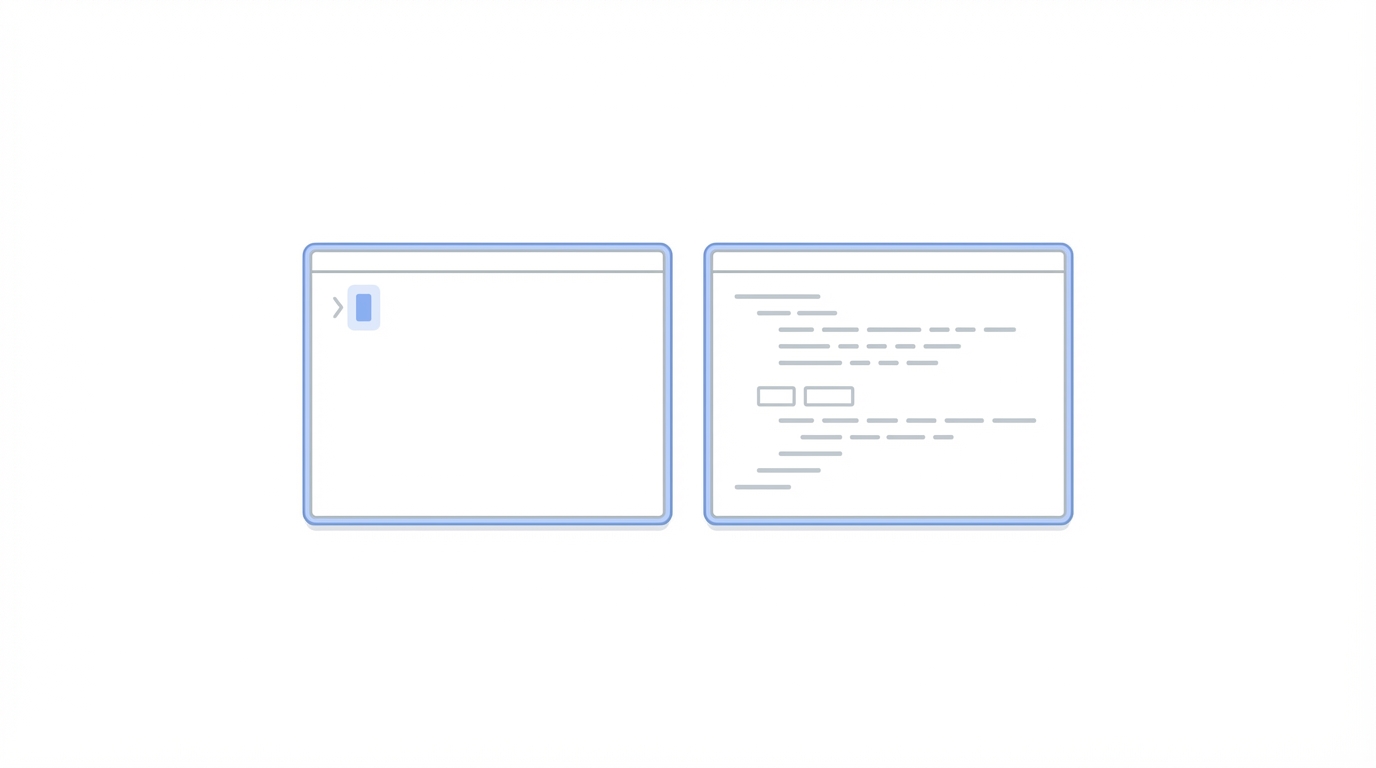

The first step in a 10x AI coding workflow is environmental. Most developers treat their terminal as a secondary window, but in a vibe-coding setup, the terminal is your primary interaction layer for Claude Code. The optimal configuration involves opening Cursor and dragging the terminal panel to the right-hand side of the screen rather than the bottom.
By running Claude Code inside this right-aligned terminal while keeping your file explorer and editor open in the main Cursor pane, you create a real-time feedback loop. You can prompt Claude to handle complex, multi-file refactors while using Cursor’s built-in AI agents to handle immediate UI tweaks. This setup is particularly effective for AI app development because it allows you to switch between the two tools without losing context. When one AI reaches a logic limit or exhausts its token quota, the other is already synced to the current state of your codebase.
Model Stratification: When to Use Opus 4.1 vs. Sonnet 3.5
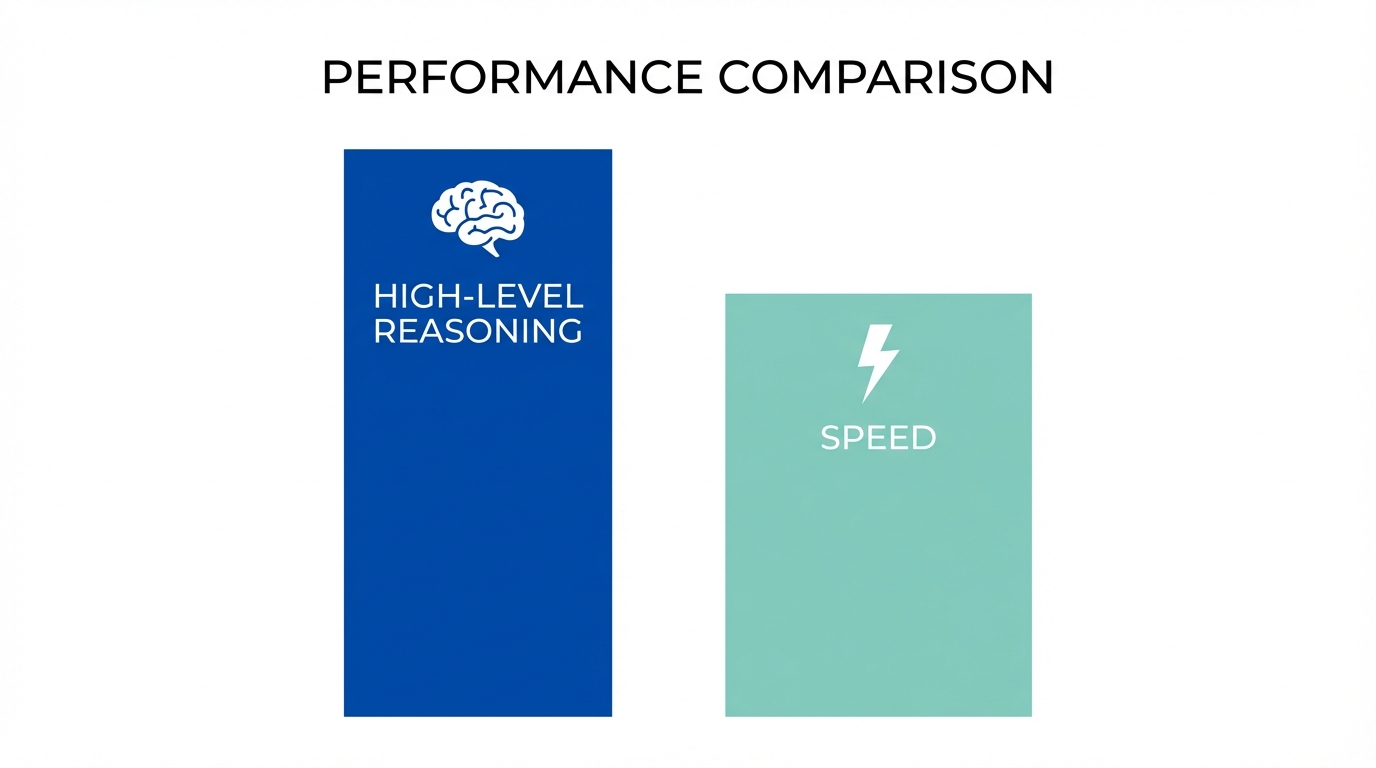
Strategizing your token usage is critical for maintaining velocity. Claude 3.5 Sonnet is widely considered the most powerful model for deep reasoning and complex coding logic, but its usage limits are notoriously tight. A professional workflow treats Opus like a senior architect and Sonnet like a high-speed lead developer. For vibe coding, you should reserve Opus for insanely complex problems—the kind of bugs that involve deep state management or intricate data flows.
When Opus is unavailable, the next best strategy is using Cursor’s Plan Mode. A powerful hack discovered by top developers is using a high-reasoning model like GPT-o1 (or equivalent OpenAI reasoning models) specifically for the planning phase. While these models may not be natively "optimized" for raw code output in the same way Claude 3.5 Sonnet is, their critical thinking and planning capabilities are superior. By having a reasoning model plan the steps and then switching to Sonnet for the actual execution, you significantly reduce the likelihood of the AI hallucinating a circular logic error.
The Xcode Bridge: AI-Powered Mobile Development
One of the biggest hurdles in AI app development is the Apple ecosystem. Many developers assume they are locked into Xcode’s limited AI features, but the 10x workflow bypasses this by using Cursor as a bridge. By opening your iOS project folder directly in Cursor, every change you make via AI is instantly reflected in your Xcode environment.
This allows you to leverage the full power of Claude Code for SwiftUI animations and complex Swift logic while keeping Xcode open solely for running the simulator and managing build settings. This "bridge" method is how solo developers are shipping high-quality mobile apps, such as AI calorie trackers or productivity tools, in under 24 hours. For those just starting, platforms like CreateAnything.com offer an even lower barrier to entry, specifically optimized for mobile design and instruction-following before graduating to the full Cursor/Claude setup.
Advanced Hacks: "Ultra Think" and Background Tasks
To truly reach 10x status, you must utilize the hidden features of Claude Code. One such feature is the "ultra think" keyword. When faced with a particularly stubborn bug, adding "ultra think" to your prompt triggers a higher-reasoning state within Claude. While this may consume more processing time, the results are significantly more robust, often catching edge cases that a standard prompt would miss.
Another game-changer is the ability to run background tasks. You can instruct Claude Code to run your local server in the background (e.g., "run the server in the background for me"). This gives the AI direct access to your live server logs. When a crash occurs, you don't need to copy-paste the error; the AI is already watching the logs and can suggest a fix before you even realize why the build failed. This level of autonomy is what separates a standard AI coding workflow from a truly automated one.
MCP Servers and Automated Code Reviews
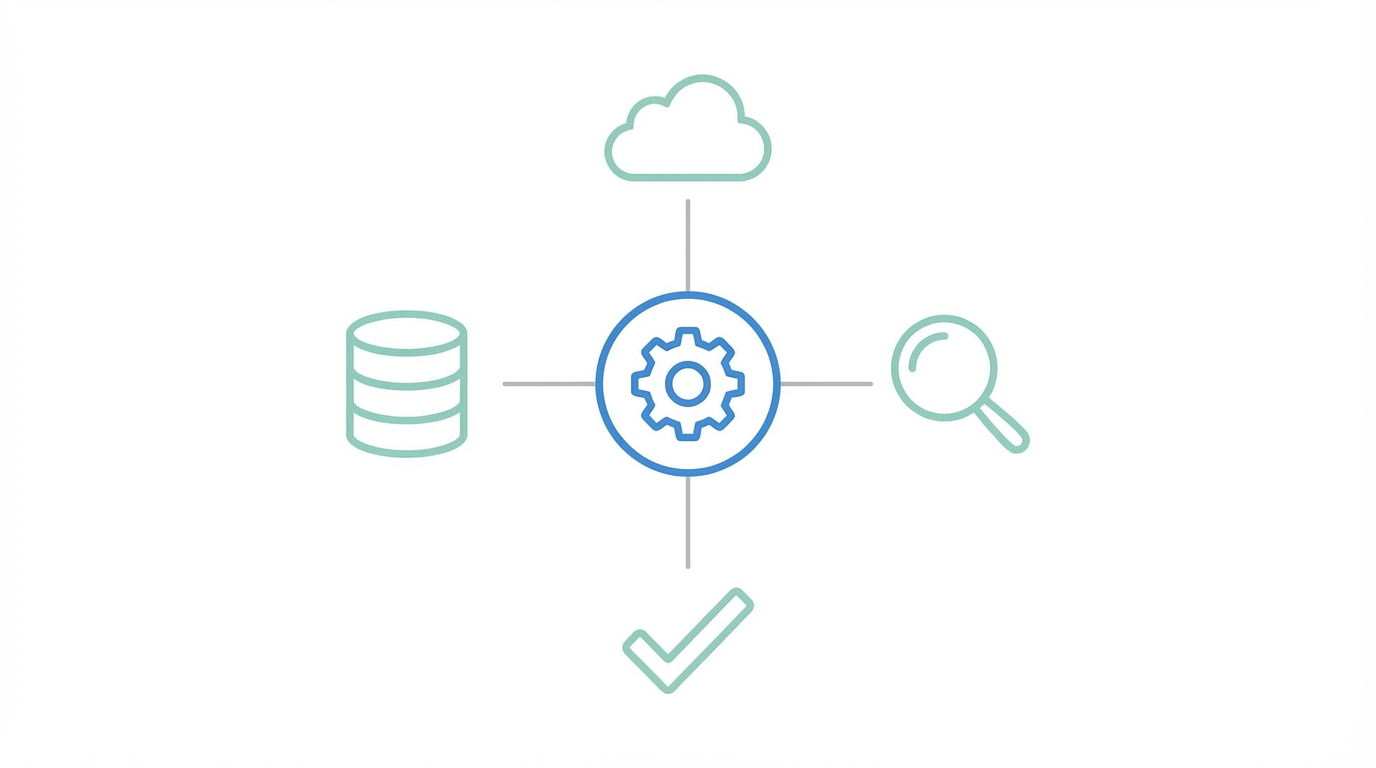
Model Context Protocol (MCP) servers are the next frontier for 10x developer AI tools. By connecting tools like Model Context Protocol (MCP) servers, you can provide Claude and Cursor with the most up-to-date, compressed documentation for third-party APIs. Instead of feeding the AI a messy URL to scrape, Context7 delivers perfectly formatted context that prevents the AI from using deprecated methods.
For database management, connecting a Supabase or Firebase MCP allows the AI to actually configure your backend architecture for you. It can set up security rules, indexes, and schema changes directly. To ensure these rapid changes don't introduce vulnerabilities, solo developers should use automated review tools like BugBot. For an additional monthly fee, these tools act as a second pair of eyes, performing security audits on every pull request—a necessity when you are moving at the speed of vibe coding.
Scaling Beyond the Code: Marketing and UGC

Once the app is built and the code is secure, the challenge shifts from development to distribution and growth. Building a successful app as a solo developer requires more than just clean logic; it requires a strategy for user acquisition and social proof. This is where the transition from developer to founder happens. To scale effectively, you need to generate high-quality User-Generated Content (UGC) and find the right influencers to champion your product.
Managing these relationships can be as time-consuming as coding the app itself if you do it manually. Tools like Stormy AI can help source and manage UGC creators at scale, allowing you to find influencers who fit your niche using AI-powered search. Just as you use AI to automate your commits, you can use Stormy's AI agent to discover creators, vet their engagement quality, and handle personalized outreach while you focus on the next feature set.
Conclusion: The Vibe Coding Playbook
The 10x Vibe Coder workflow is built on three pillars: Dual-tool orchestration, reasoning-based planning, and autonomous debugging. By running Cursor and Claude Code together, you ensure that you always have the right model for the right task—whether it’s a high-level UI animation or a deep-seated architectural refactor.
Remember to dictate your prompts using tools like Whisperflow to add more detail, utilize Plan Mode to let the AI think before it executes, and never underestimate the power of a dedicated AI agent for your marketing outreach. The tools are here; the only limit now is the speed of your ideas. Start by setting up your split-view terminal today and watch your development velocity multiply.